
Updated: 2026
Roblox VR Glasses
Roblox is an online gaming platform that can be discovered both without and with VR glasses. Find out which VR headsets you can use for Roblox.
Roblox 2026 – Key Facts
| Status 2026 | Very active |
| Age verification | Mandatory facial age estimation for chat & full features (2026) |
| Account types | Roblox Kids (ages 5–8), Roblox Select (ages 9–15) |
| Wallet required | No |
| VR support | Yes – compatible with Meta Quest and other headsets |
Why VR glasses in Roblox?
VR stands for Virtual Reality. With VR glasses, you can experience the games in Roblox in a unique way.
Thanks to VR glasses, users get the feeling of being “in” the Roblox games. A VR controller allows you to control your avatar just like a classic controller.
In addition, your head movements are perceived by the VR glasses and transmitted to your avatar. This allows you to look around as you would in real life.
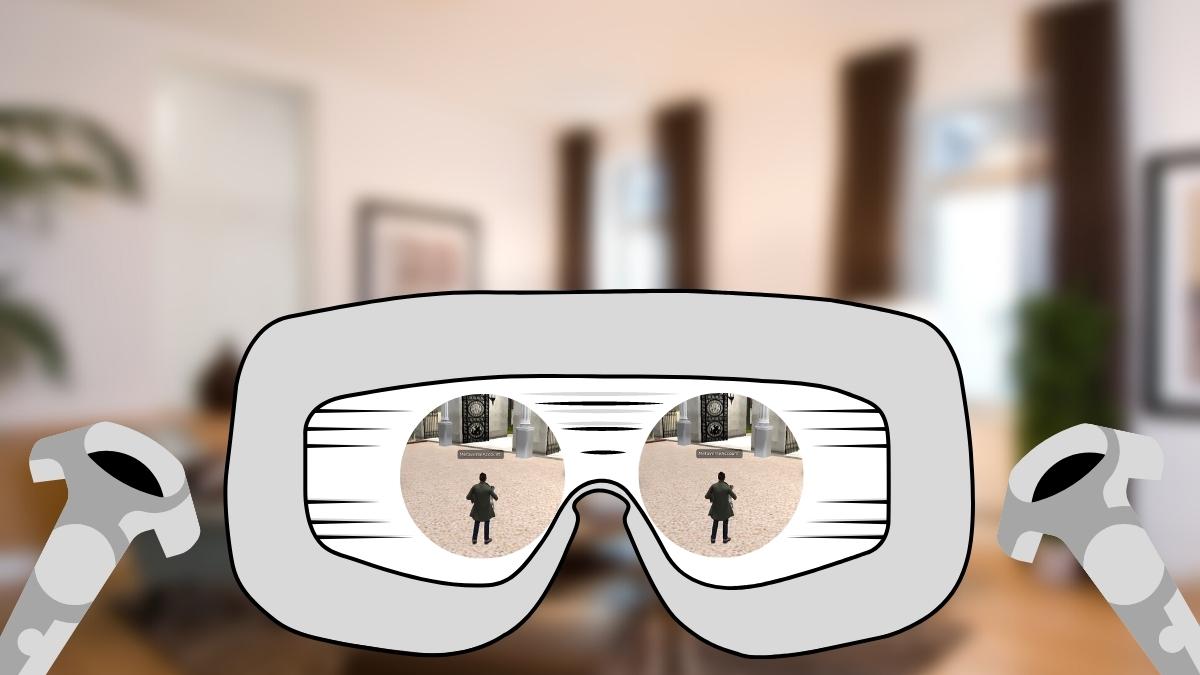
Inside a VR headset there are two lenses or “screens” for the eyes. The metaverse world is displayed in these lenses. Together, both lenses create a real-feeling environment for the wearer.
VR accessories (controllers, headphones, …) make the virtual reality experience even more immersive.
What VR goggles can you use for Roblox?
* Affiliate link. If you buy via this link, we may earn a commission at no extra cost to you.
Meta Quest 3
Roblox VR runs best on Meta Quest headsets. The Quest 3 is the current standalone headset and works without a PC.
Meta Quest 3 data
- Standalone, no PC needed
- 2,064 x 2,208 pixels per eye
- Colour passthrough for mixed reality
- Cheaper option: Meta Quest 3S
Meta Quest 3S
Meta’s affordable standalone headset with the same platform as the Quest 3, ideal for getting started with Roblox VR.
Meta Quest 3S data
- Standalone, no PC needed
- 1,832 x 1,920 pixels per eye
- Colour passthrough for mixed reality
- Cheapest entry into the Meta ecosystem