
Updated: 2026
Spatial
Spatial is a metaverse world that gives you the opportunity to create your very own world and discover works of art or events. Find out exactly what Spatial is and what you can do in this metaverse world on this page.
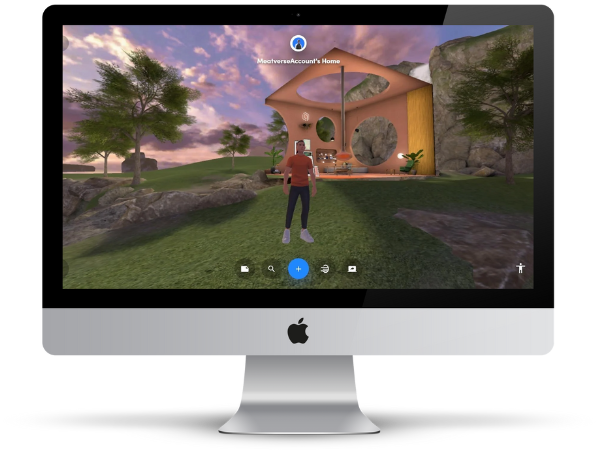
Note (2026): Spatial is undergoing a major pivot. The consumer and creator platform (Free/Pro) will be discontinued on 27 July 2026. Spatial is now focusing on enterprise solutions and its own game studio. If you are looking for an alternative metaverse world, check out active platforms such as Decentraland or Voxels.
What is Spatial?
Spatial is a metaverse world that has been pursuing the goal of connecting people and creating unique digital worlds since 2016. The focus in this metaverse world is on art, events and uniquely designed spaces.
As a user, you can discover works of art, rooms or events, as well as design them as a creator. The focus is on experiencing, discovering and creating digital “space”. Spatial believes in an open metaverse in which there is room for every person who wants to belong.
In Spatial, objects (works of art, etc.) can also be bought, sold or traded. This is done via NFTs, which are usually paid for via the cryptocurrency Ethereum.
How much does Spatial cost?
You have the opportunity to create a public space for NFT art exhibitions, meetups, and live events for free. However, if you want to carry out events professionally (sell tickets, control access to works of art, etc.), you need to upgrade to a Spatial+ account.
You can find out more about pricing for this account on this page.
Spatial at a Glance (2026)
| Status 2026 | Major pivot — consumer/creator platform shutting down 27 July 2026; enterprise focus going forward |
| Website | spatial.io |
| Access | Web, app (App Store & Google Play), Oculus |
| Free tier | Available (while platform runs) |
| Currency | Ethereum (ETH) for NFTs |
The Currency in Spatial

The well-known cryptocurrency Ethereum (ETH) is used in Spatial to buy NFTs. If you’d like to check out ETH’s latest developments, feel free to check out CoinMarketCap:
How to control your avatar in Spatial
- W+A+S+D or arrows
Move your avatar forward, back, left or right - Spacebar
Jump over obstacles - Left mouse click
Teleport your avatar to this location - Mouse Click & Movement
Left-click in the image and move your mouse to change the direction of your gaze - Enter key
Start the tour of the Space - Q + E buttons
Rotate on your own axis
- C key
Your avatar starts clapping - Y-button
Your avatar says and shows “Yes” - N key
Your avatar says and shows “No” - 1 button
Your avatar starts cheering - 2-button
Your avatar starts waving - 3-button
Your avatar starts dancing - 4-button
Your avatar performs Pop ‘n Lock movements - 5-button
Your avatar performs “Churn Butter” moves
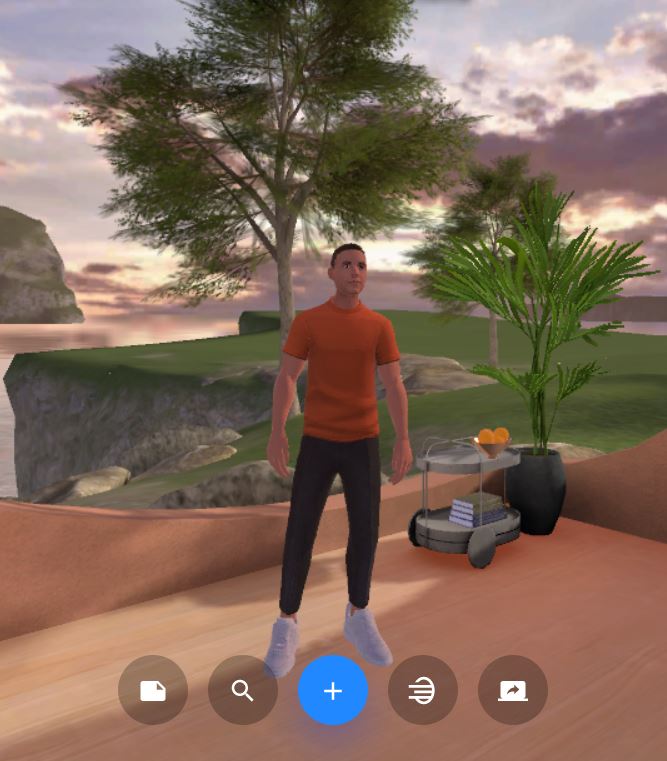
Image source: spatial.io