
Updated: 2026
Upland Account
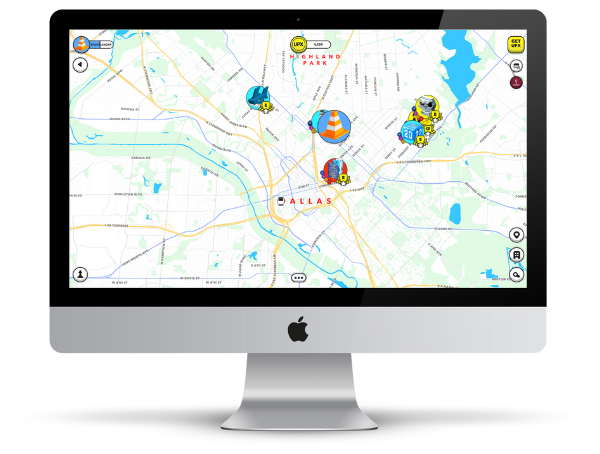
Upland is a real estate strategy game in the metaverse, in which users can buy and design digital land.
You can find out how to create an Upland account on this page.
Upland at a Glance
| Status 2026 | Active |
| Website | upland.me |
| Blockchain | EOS |
| Platforms | Browser and App |
| Wallet required | No |
| Current highlight | Frost Season 2026 |
How to create an Upland account
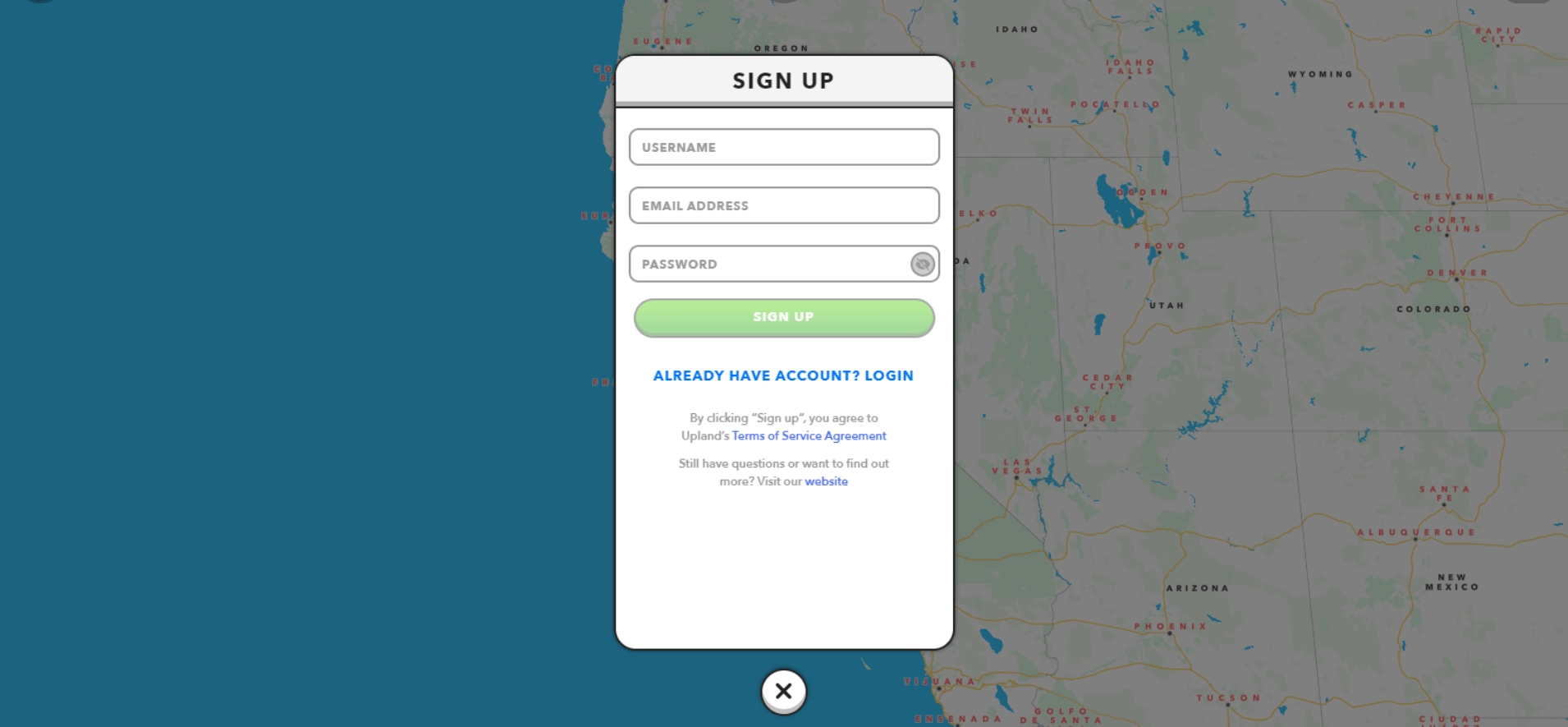
1. Get into Upland
You can use https://www.upland.me/* to create your Upland account.
To do this, enter a username, an e-mail address and a password.
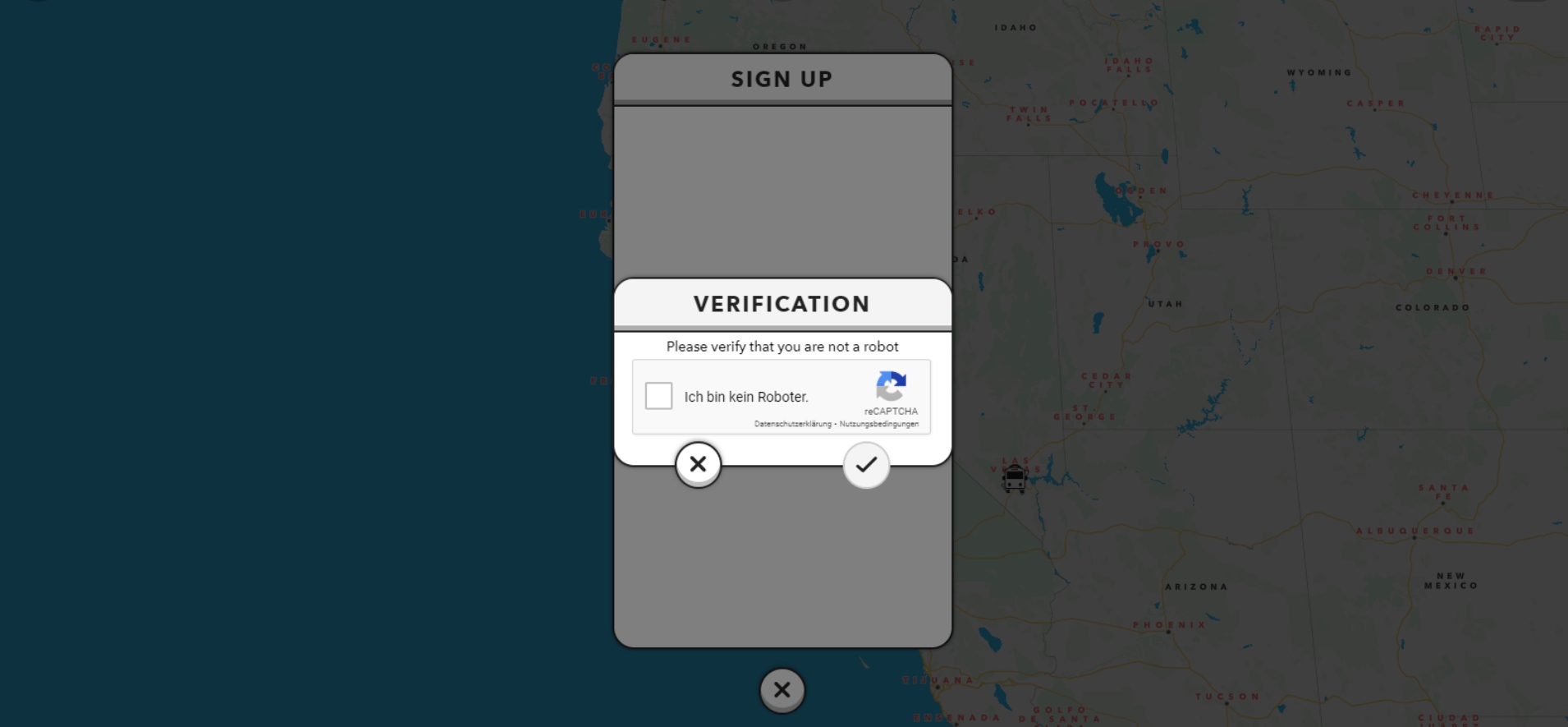
2. reCAPTCHA
After entering your account information, you still need to confirm that you are not a robot, but a real person.
Click on “I am not a robot” and confirm the entry.
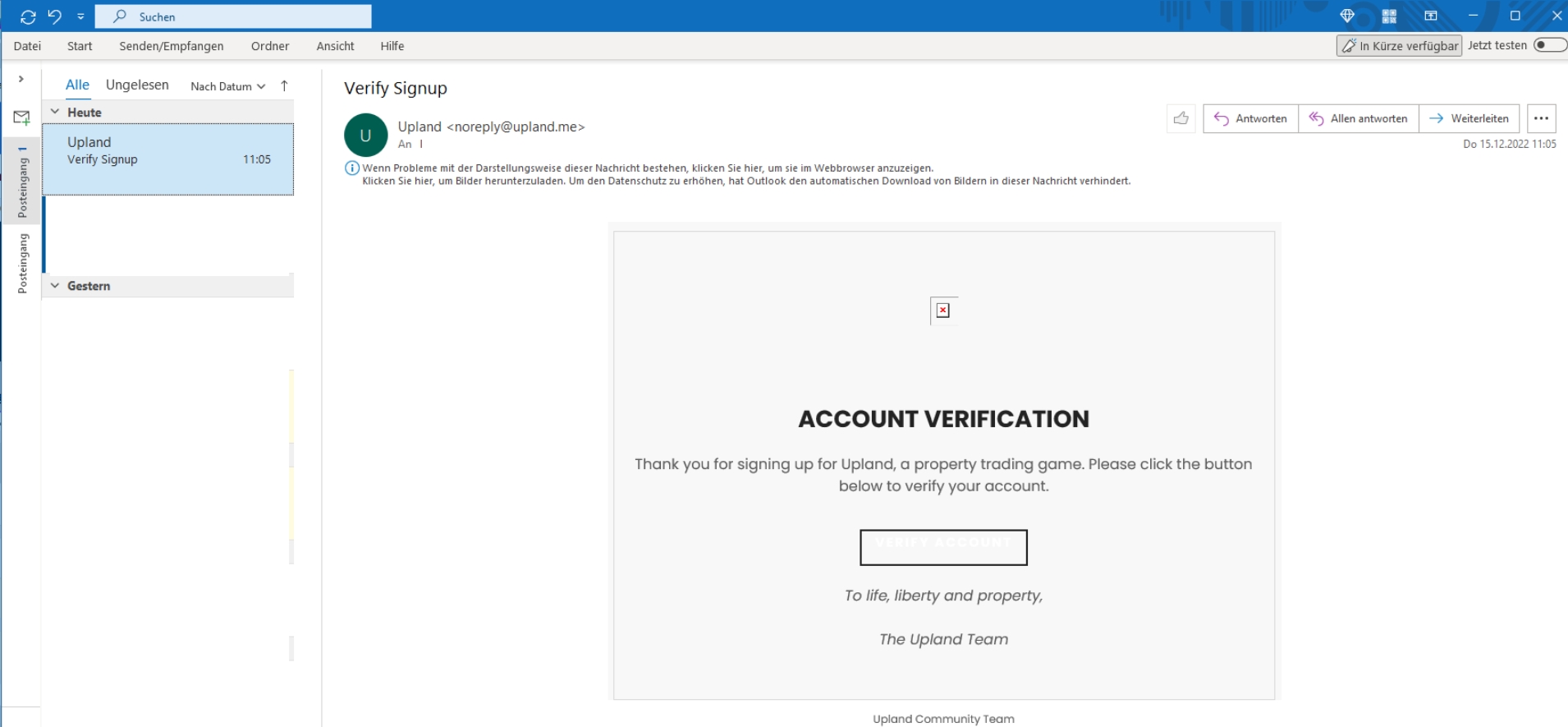
3. Verification
You still need to confirm your email address after creating the account.
An e-mail will be sent to you by Upland for this purpose. Click on the button in the email to complete the verification.
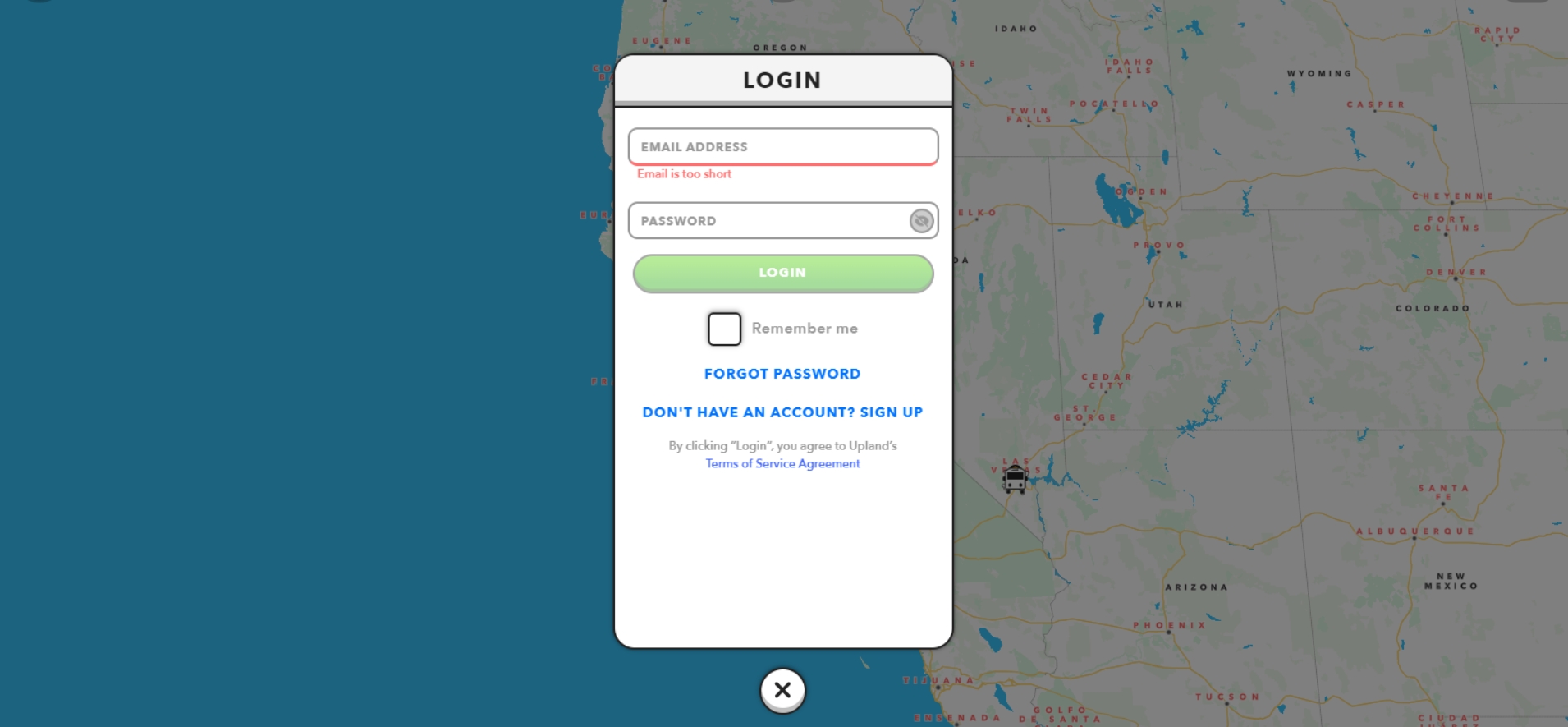
4. Account login
After successful verification, you can log in to the account you just created.
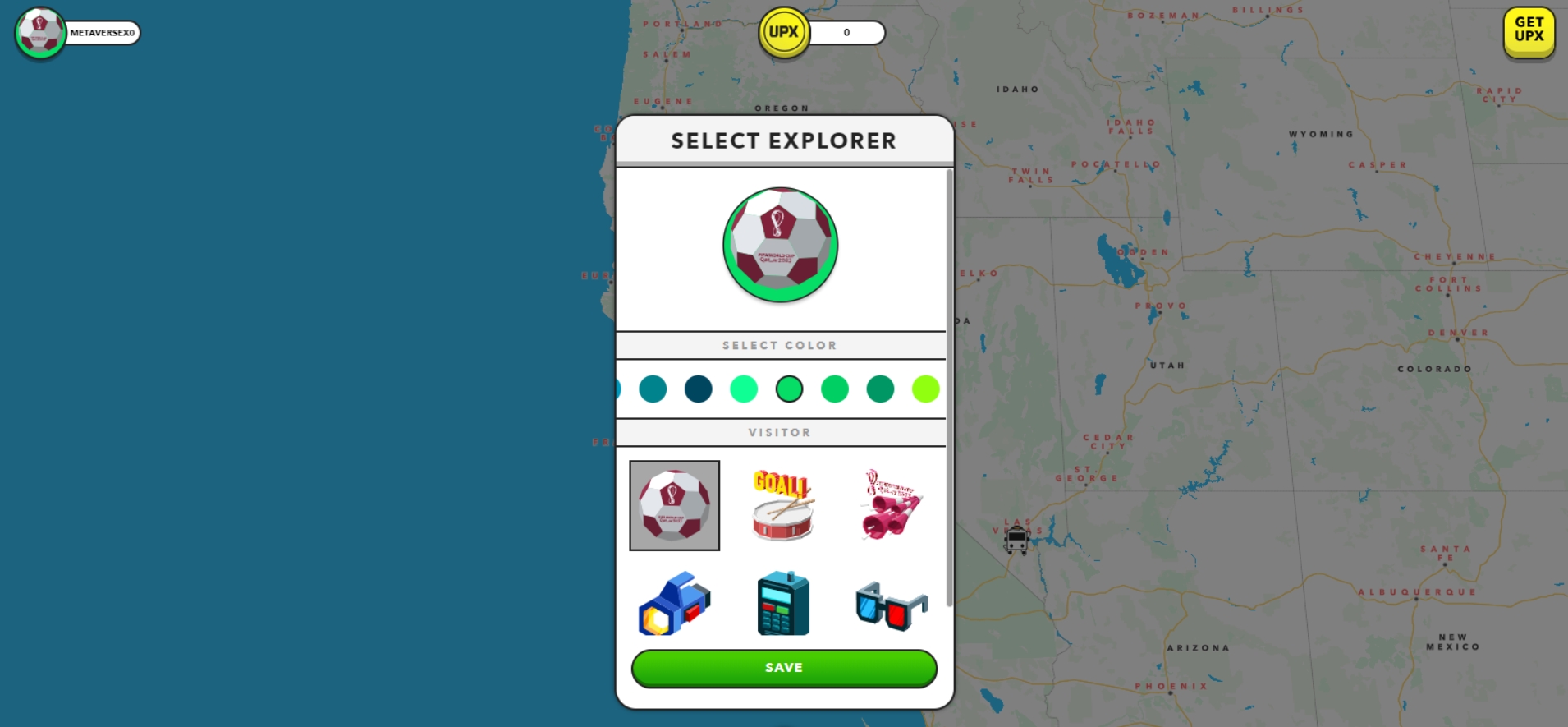
5. Design Block Explorer
You can now design your personal block explorer. Choose a background color as well as your Explorer icon.
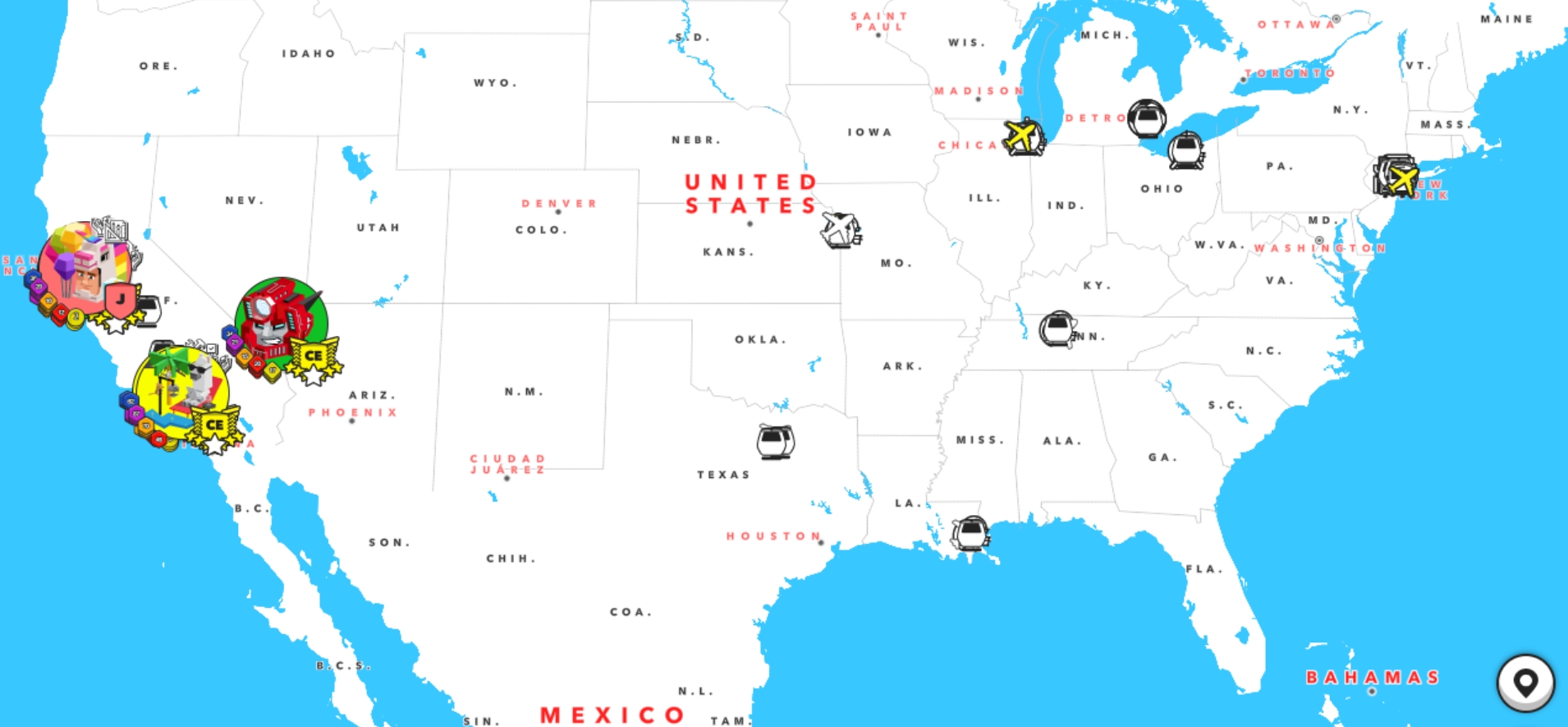
6. Discover Upland
You have now successfully created an Upland account and can start exploring the world of Upland.