
Updated: 2026
Create a Fortnite Account
Fortnite is an online multiplayer video game that combines elements from different genres. It mainly belongs to the genre of battle royale games. You can find out how to create a Fortnite account on this page.
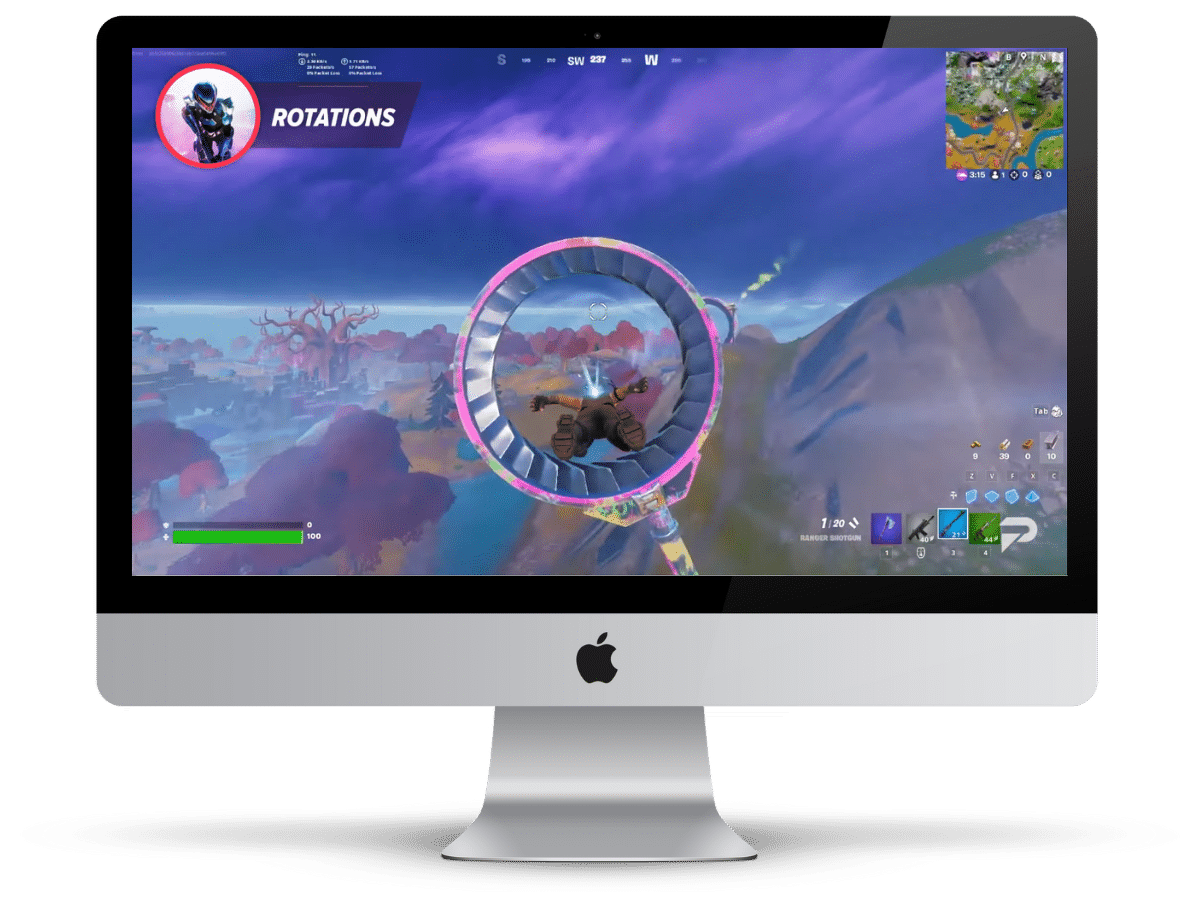
How to Create a Fortnite Account
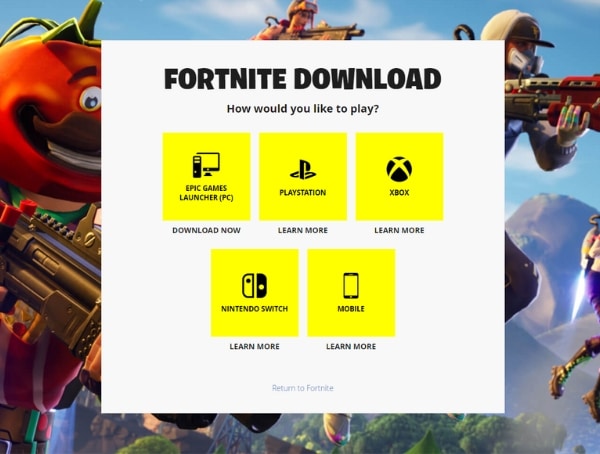
1. Download the app / program
To play Fortnite, you must first download the app or program. You can do this via the following link:
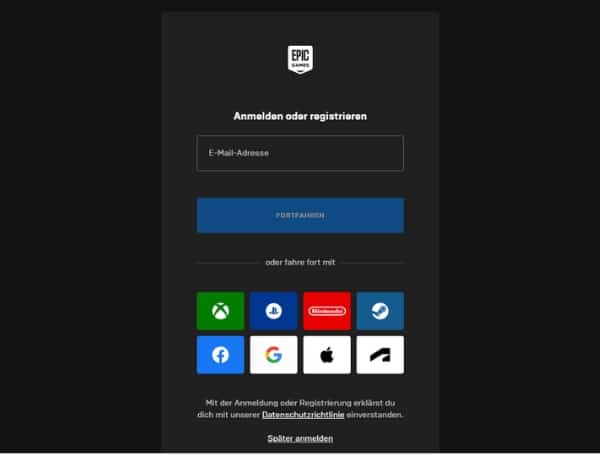
2. Create an Epic Games Account
Once you’ve downloaded the app/program, you’ll need to create an Epic Games account.
You can also easily use existing accounts on Google, Apple, XBOX, PlayStation, Nintendo, Facebook, and more. Thanks to the link, payment data or other information is automatically stored, so you don’t have to enter it.
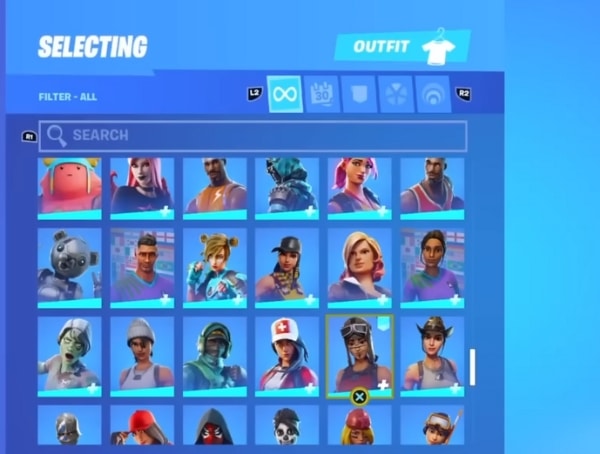
3. Configure your character
Now you can create and customize your Avatar. These customizations include skins, back accessories, harvesting tools, gliders, loading screens, emotes, banners, and control cards.
These customizations allow players to make their characters unique and express their personalities in the game. Many of these customizations can be purchased with the in-game currency, V-Bucks.
Fortnite Account for Desktop PC / Laptop
Setup & Installation
1. Epic Games Launcher for Desktop/Laptop
If you want to play and install Fortnite on desktop/laptop, you must first install the Epic Games Launcher on your machine. You can do this via the following link:

2. Find Fortnite in the Epic Games Launcher
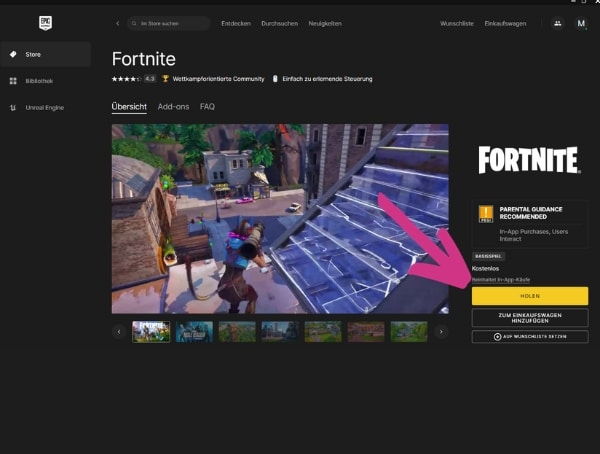
Now, search for Fortnite in the Epic Games Launcher.
3. Download Fortnite for PC
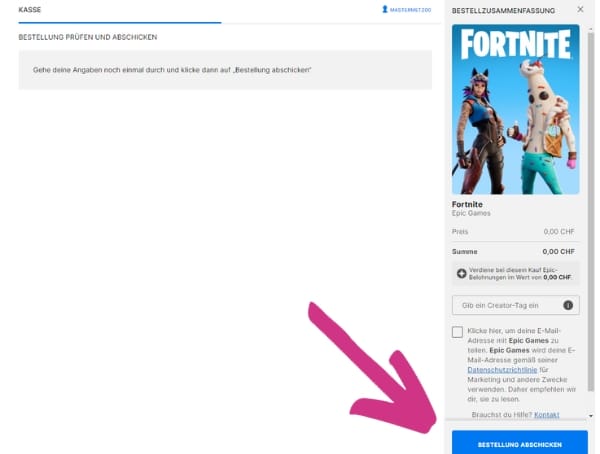
You can now download Fortnite through the Epic Games Launcher.
4. Perform installation
Now you can perform the installation according to the given instructions.
Fortnite at a Glance
| Status 2026 | Active and stable |
| Account required | Epic Games Account |
| Platform | PC, Mac, Console, Mobile |
| Genre | Battle Royale / Online Multiplayer |
| In-game currency | V-Bucks |