
Updated: 2026
Axie Infinity
Axie Infinity is a game universe in which you can meet flying robots, mutants, beasts and fantasy characters. Find out how to create an Axie Infinity account on this page.
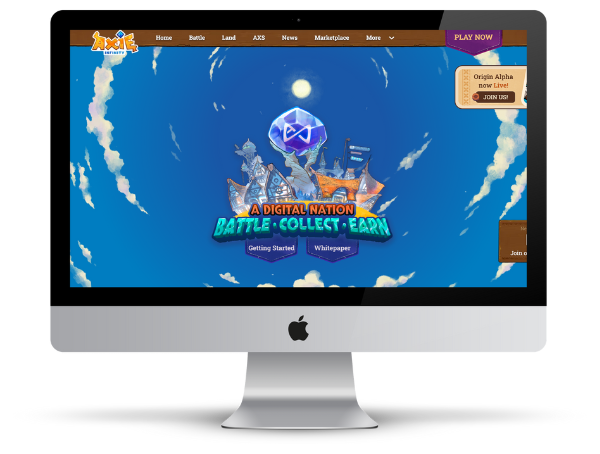
Axie Infinity at a Glance
| Status 2026 | Active, but significantly smaller player base than at peak |
| Wallet required | Yes – Ronin Wallet (browser extension) |
| Blockchain | Ronin (Axie-specific sidechain) |
| Axies | NFT-based avatars/creatures; each Axie is unique |
| Marketplace | app.axieinfinity.com/marketplace/ |
How to create an Axie Infinity account
Wallet, Axies, Account
In order to create an Axie Infinity account, you first need a Ronin wallet. Since each Axie (your avatar) is a unique NFT, this NFT must be secured via a wallet.
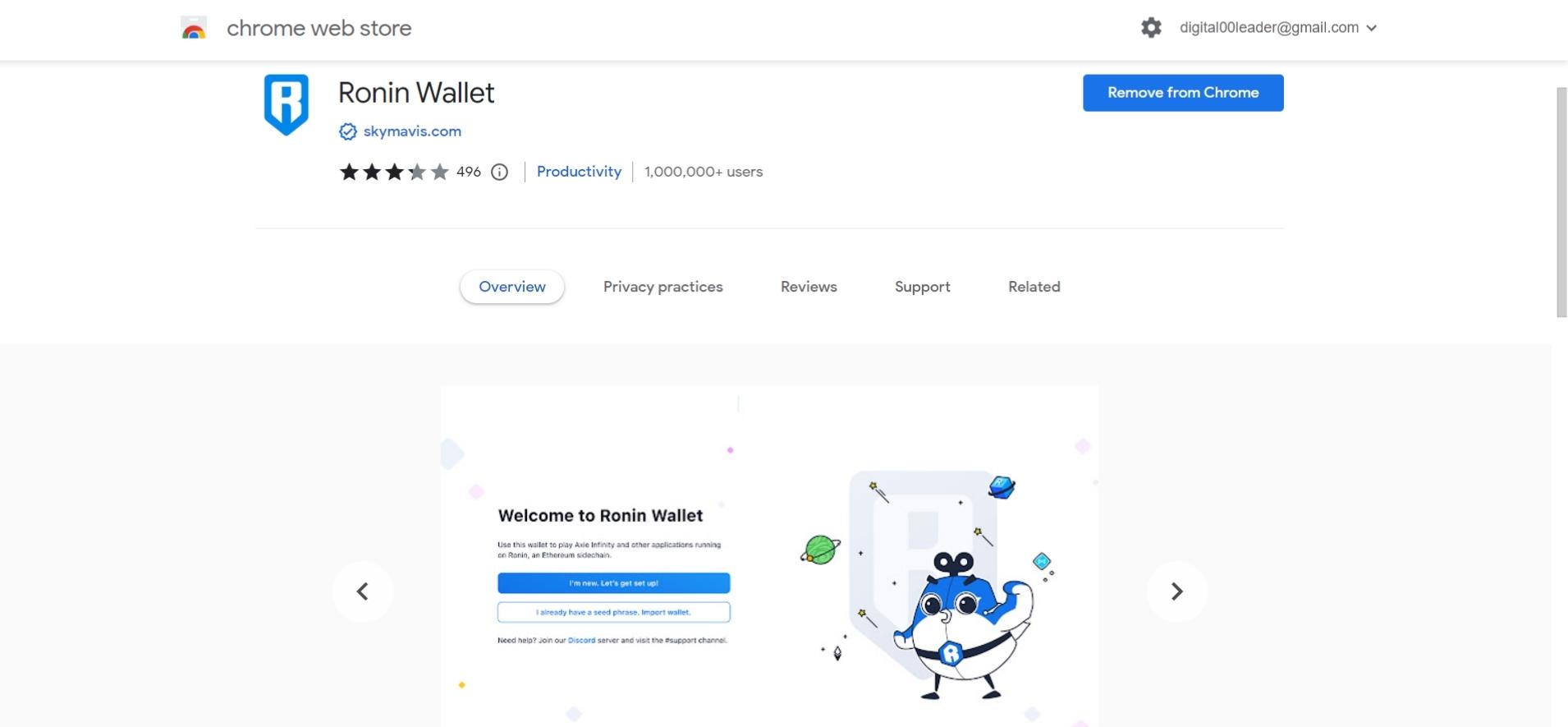
1. Ronin Wallet Extension
To create an Axie Infinity account, your Axie avatar, as well as to purchase Axies, you will need a Ronin Wallet. The Ronin Wallet is a browser extension for Chrome, Edge and Firefox, which you need to install:
- Ronin Wallet for Firefox: https://addons.mozilla.org/de/firefox/addon/ronin-wallet/
- Ronin Wallet for Edge: https://microsoftedge.microsoft.com/addons/detail/ronin-wallet/kjmoohlgokccodicjjfebfomlbljgfhk
- Ronin Wallet for Chrome: https://chrome.google.com/webstore/detail/ronin-wallet/fnjhmkhhmkbjkkabndcnnogagogbneec
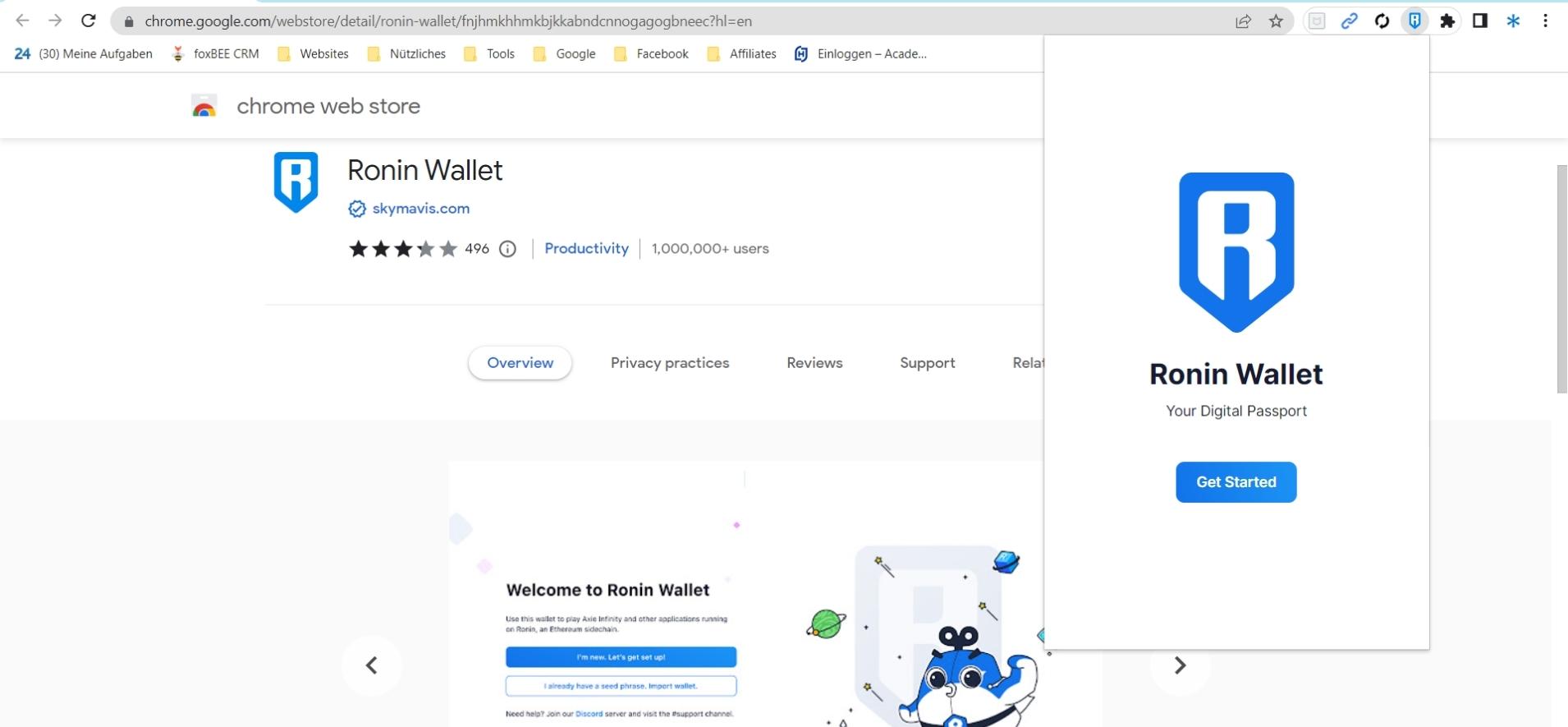
2. Enable extension
Then, you need to enable the Ronin Wallet extension in your browser.
Firefox & Edge:
Once installed, you will be asked if you want to add Ronin Wallet. Click “Add”. You will now see the blue Ronin Wallet logo in the top right corner of your browser. Click on it to be able to create an account.
Chrome:
After installation, you have to click on the puzzle sign in the upper right corner and activate the pin in Ronin Wallet. Now you can see the Ronin Wallet logo at the top right. Click on it to create an account.
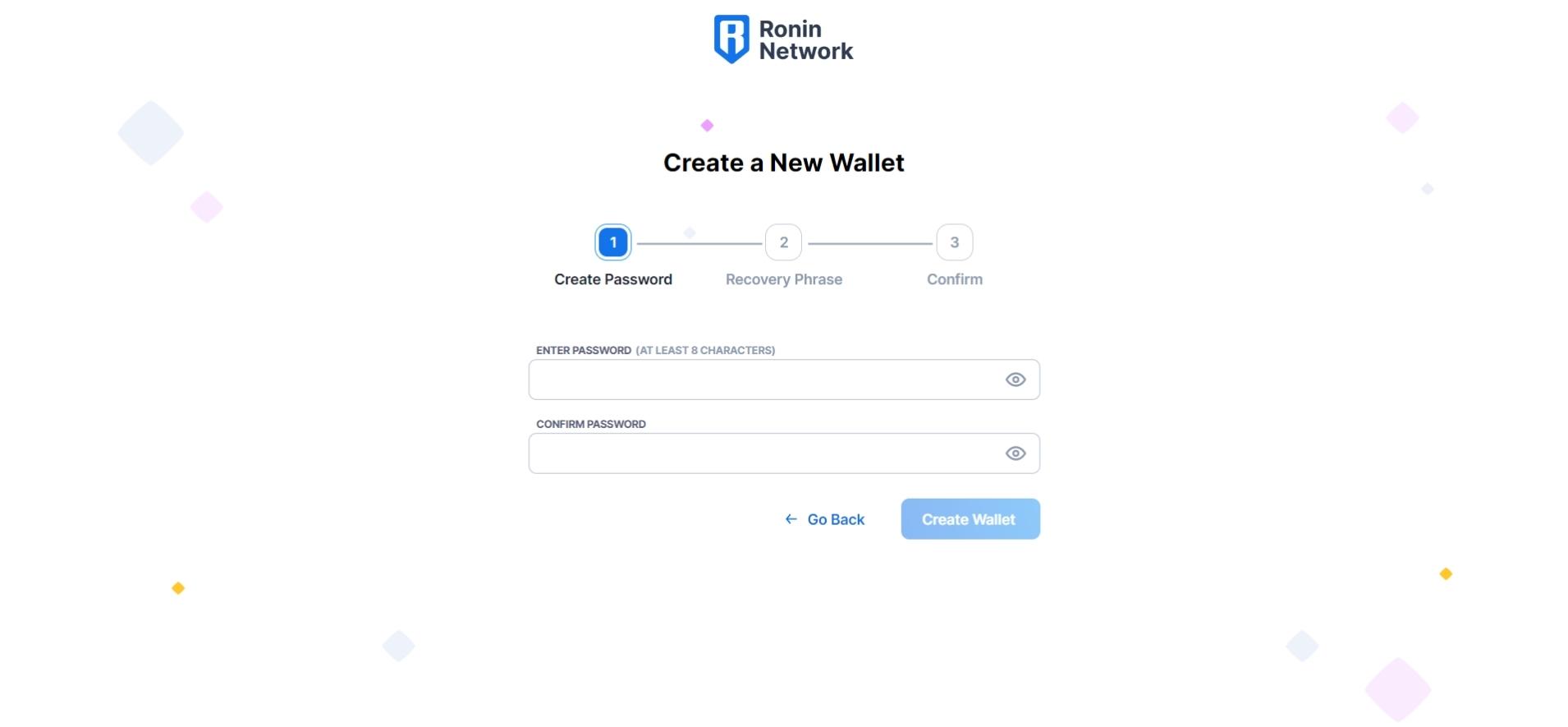
3. Ronin Wallet Account
After installing the browser extension, you can open it and start creating your Ronin Wallet account. To do this, allow tracking and enter a desired password.
4. Recovery Phrase
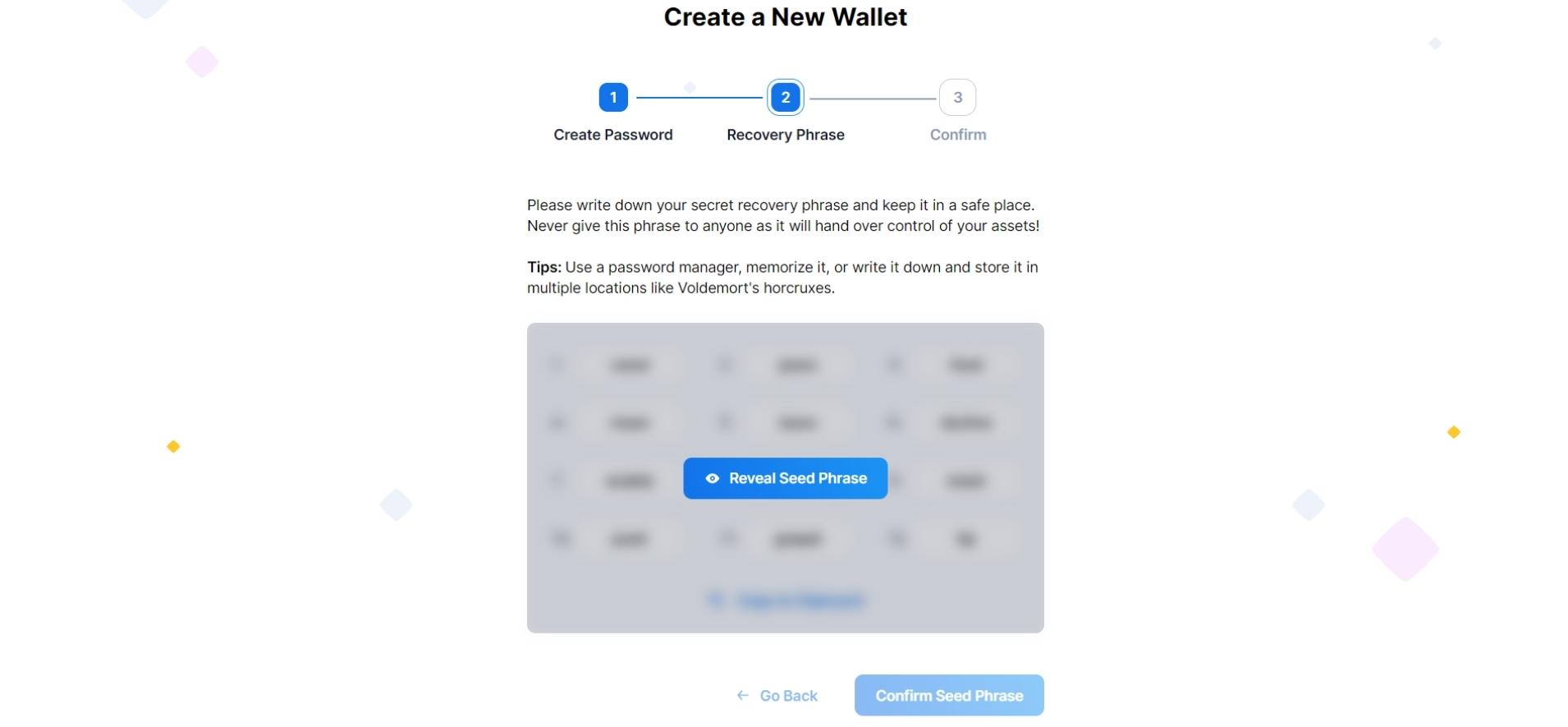
You will now see 12 numbered terms. You should write them down or copy them in the correct order. You will then be asked for specific words from this list, such as the words 2, 4, 8, and 12. You should definitely write down your “recovery phrase“. Your Ronin wallet is thus created.
5. Axie Infinity Account
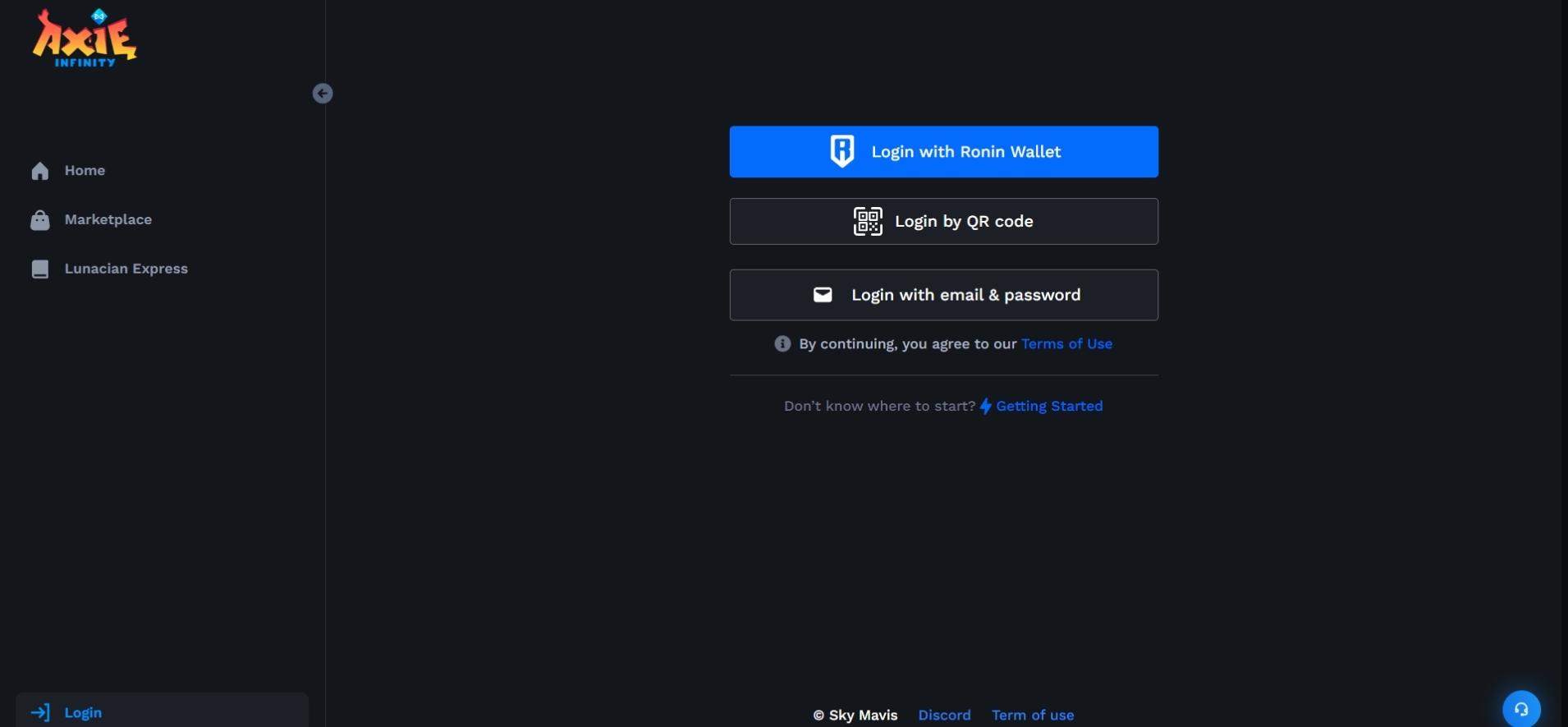
After creating your Ronin wallet, you can create your Axie Infinity account. To do this, open the following link: https://app.axieinfinity.com/marketplace/
6. Connect Ronin Wallet
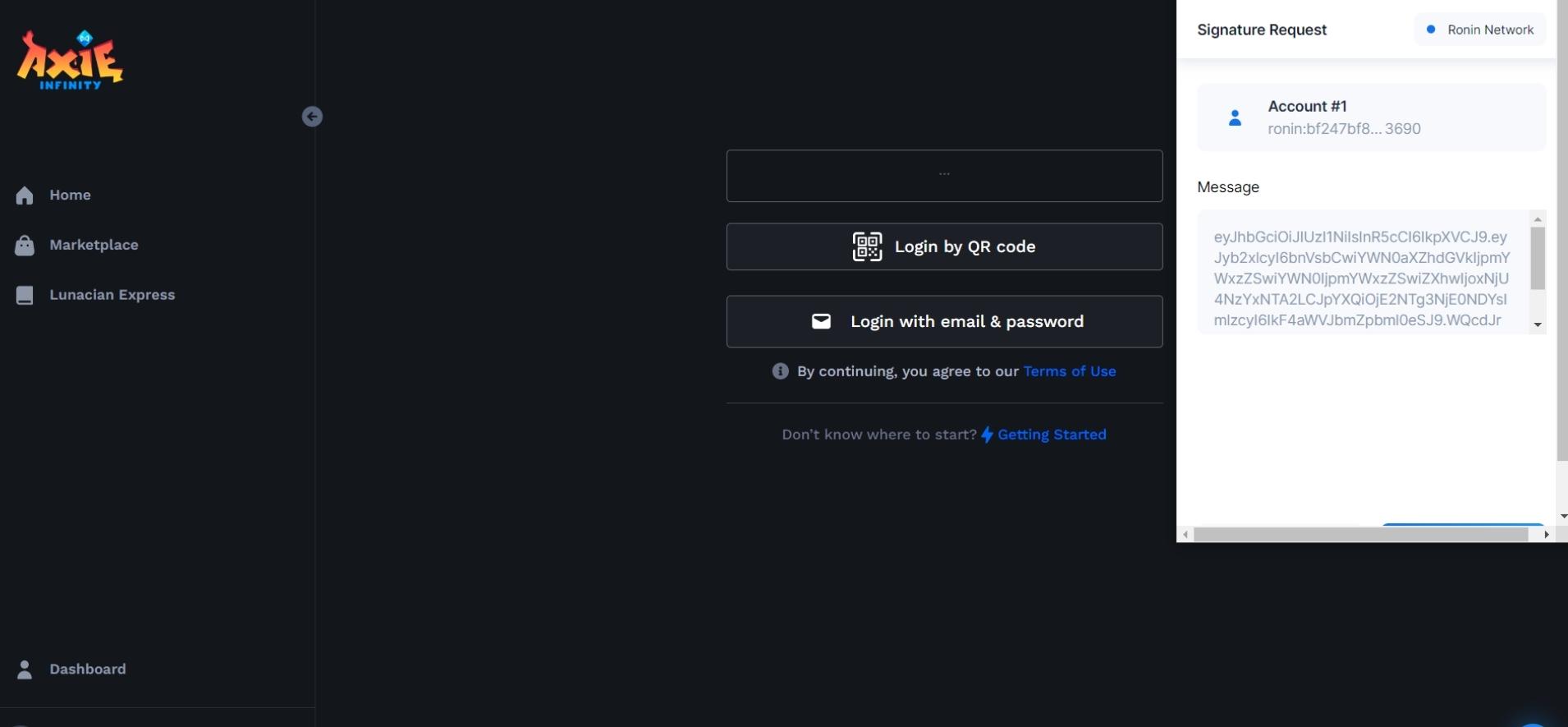
You can easily register through your Ronin Wallet. To do this, click on “Login with Ronin Wallet” and allow access in the next query.
7. E-mail & password
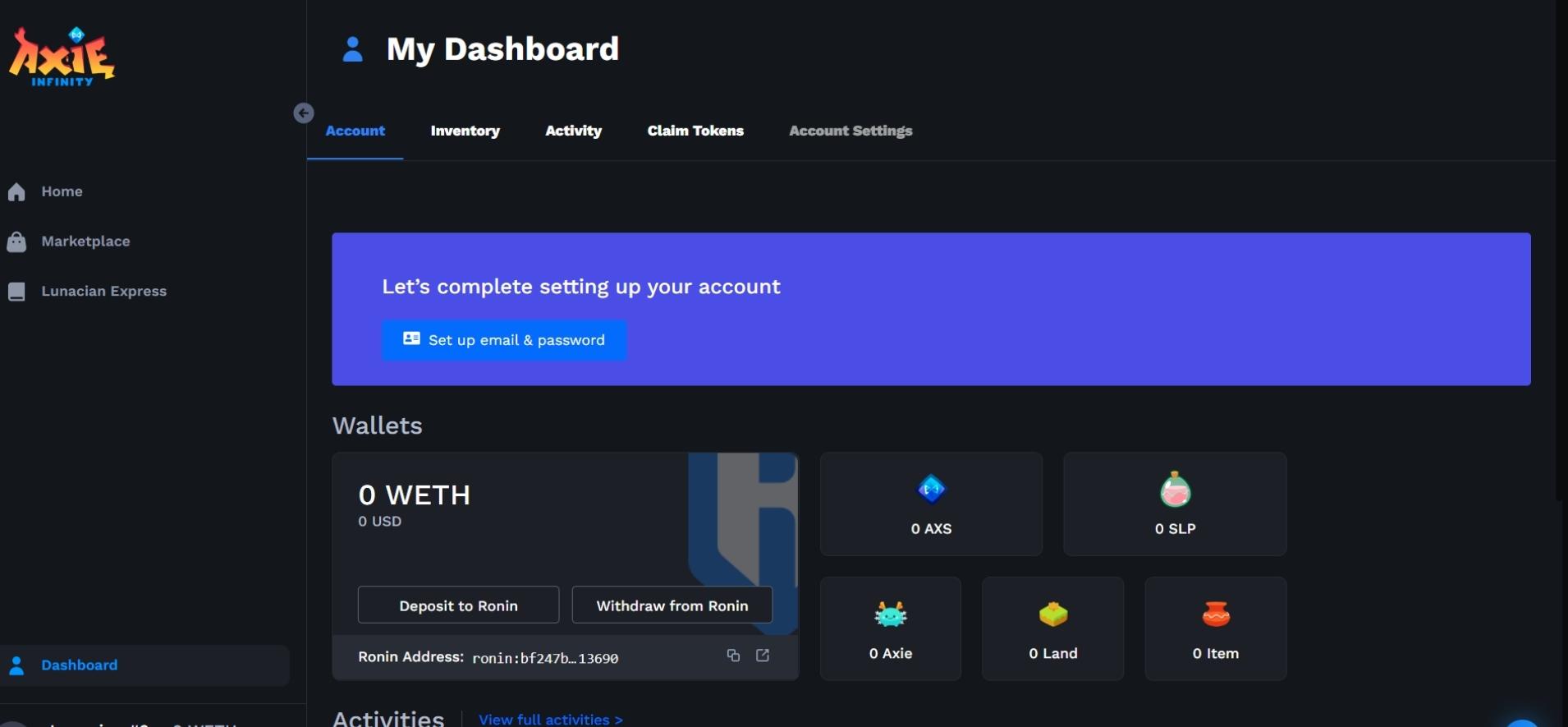
Now you should enter an e-mail address and a password in your account.
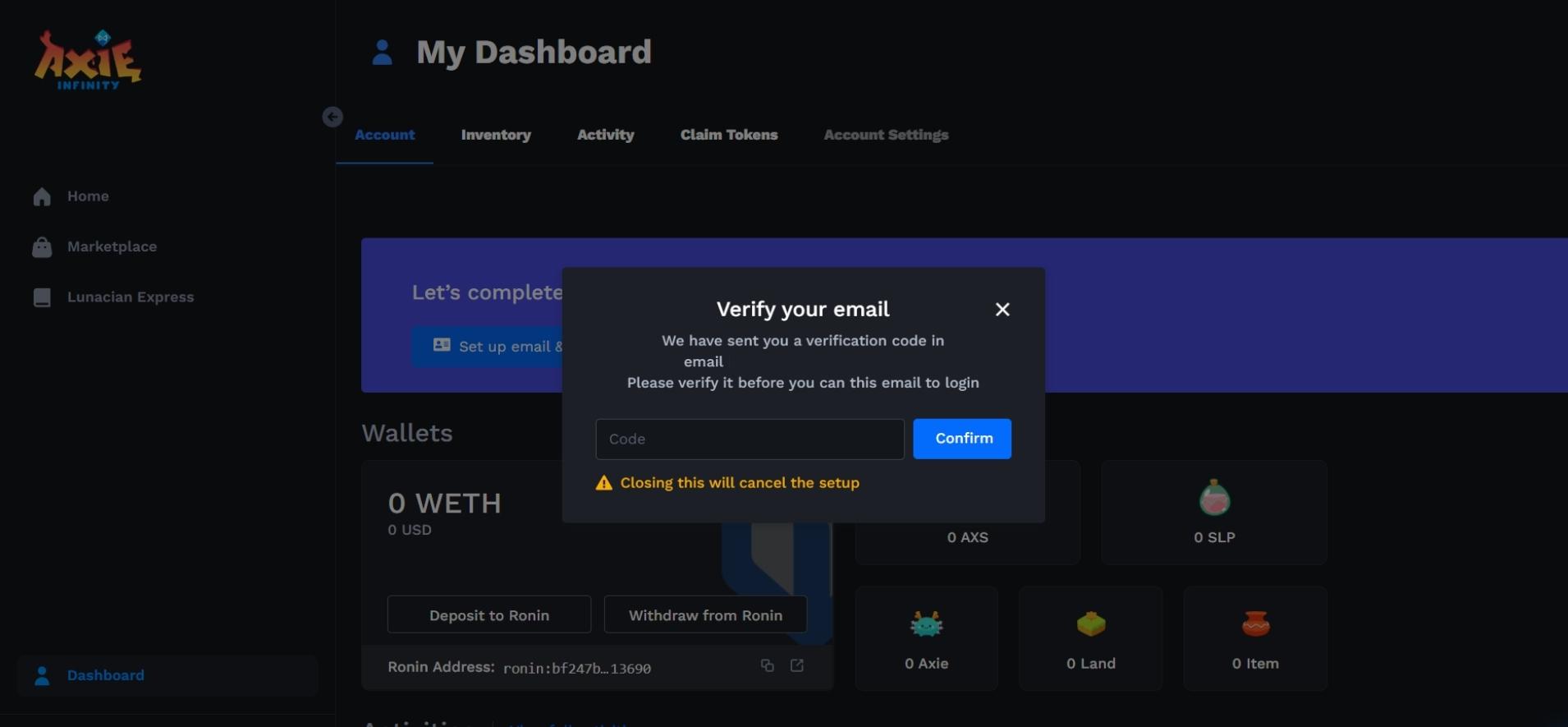
8. Verification
You will then receive a verification code sent to your e-mail address. Enter the 6-digit numeric code in the appropriate window to complete your registration.