
Updated: 2026
The Sandbox
Sandbox is a metaverse world where you can acquire land, design land, and develop games. Find out exactly what Sandbox is and what you can do in this metaverse world on this page.
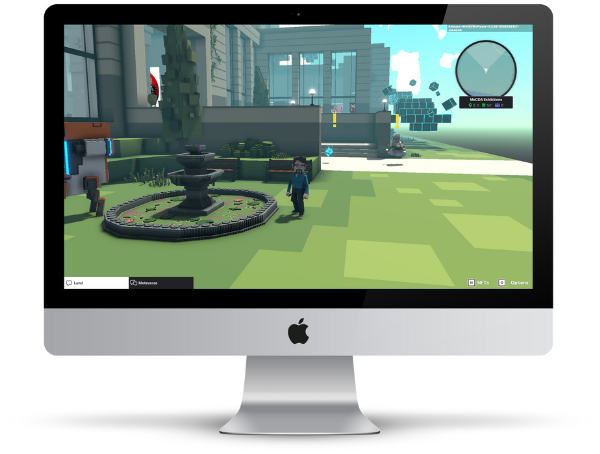
What is Sandbox
The Sandbox is basically a so-called world-building game, which is similar to Minecraft and Roblox. The main focus is on the fact that you acquire land in Sandbox, design it creatively and visit the land of other users.
The blockchain-based version of The Sandbox — the Sandbox metaverse — also has a virtual economy. You can create, trade, and buy items as NFTs through a game store. Within the Sandbox metaverse, you can also develop your own games.
The acquisition of objects takes place in Sandbox via the currency “SAND”, which is based on the Ethereum blockchain.
The Sandbox at a Glance
| Status 2026 | Technically active; user activity has declined significantly in recent years |
| Wallet required | Yes — a crypto wallet is needed for full functionality |
| Currency | SAND (ERC-20, Ethereum blockchain) |
| Use cases | Land ownership, game creation, NFT trading, avatar experiences |
| Access | Web browser (interface); Sandbox Alpha app for playing games (Windows & macOS) |
The currency in Sandbox — SAND

In the Sandbox metaverse, the acquisition of NFTs and LAND is possible via the official SAND token.
This is an ERC-20 utility token based on the Ethereum blockchain. You can buy SAND via a credit card in The Sandbox or, for example, via the Binance platform.
If you’d like to check out SAND’s current developments, feel free to check out CoinMarketCap:
How to install Sandbox Alpha
In order to start a game at Sandbox, you need the Sandbox Alpha program on your computer.
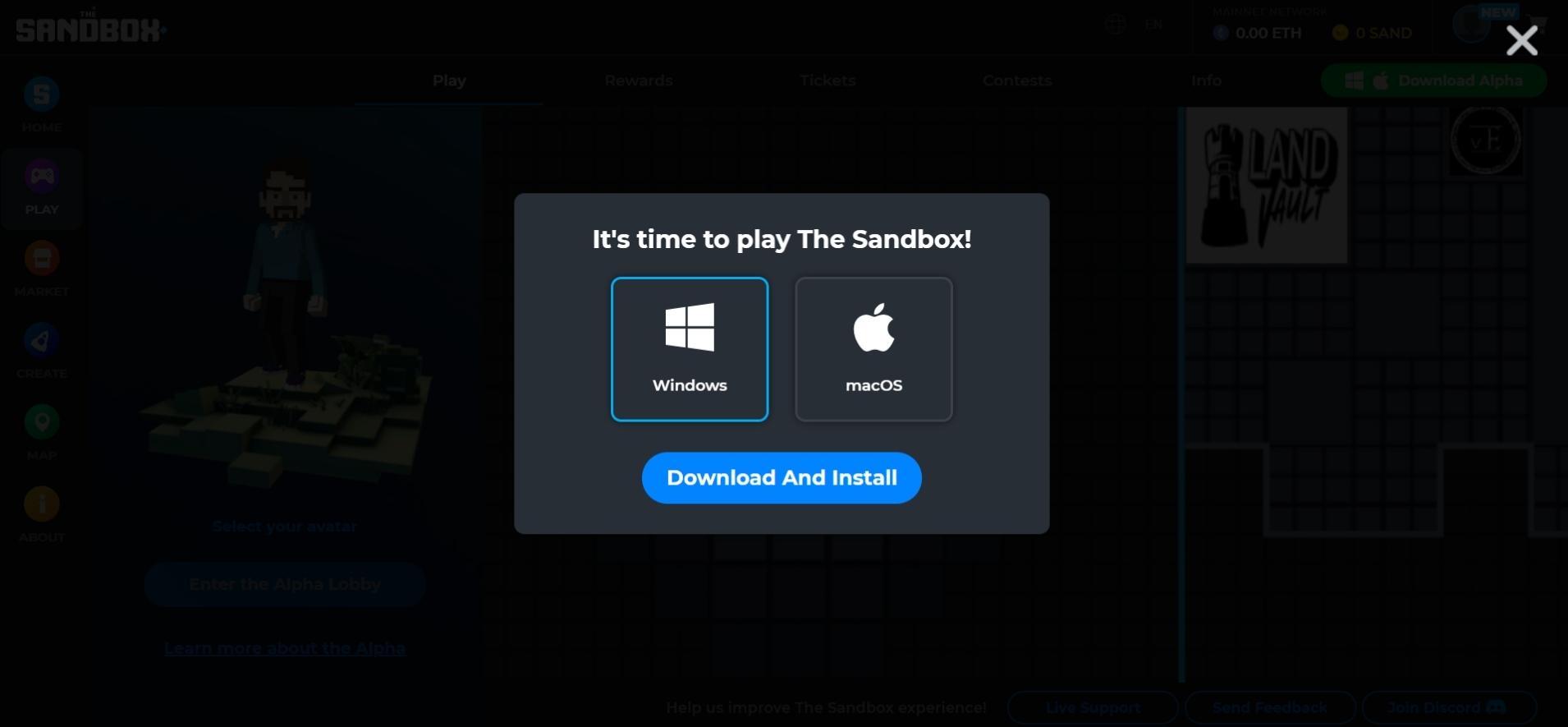
1. Download Sandbox Alpha
Go to: https://www.sandbox.game/en/season/
Click on any play button on this page. If you have not yet installed Sandbox Alpha, a window will open with which you can download the appropriate installation file for your device. Save the file to your computer.
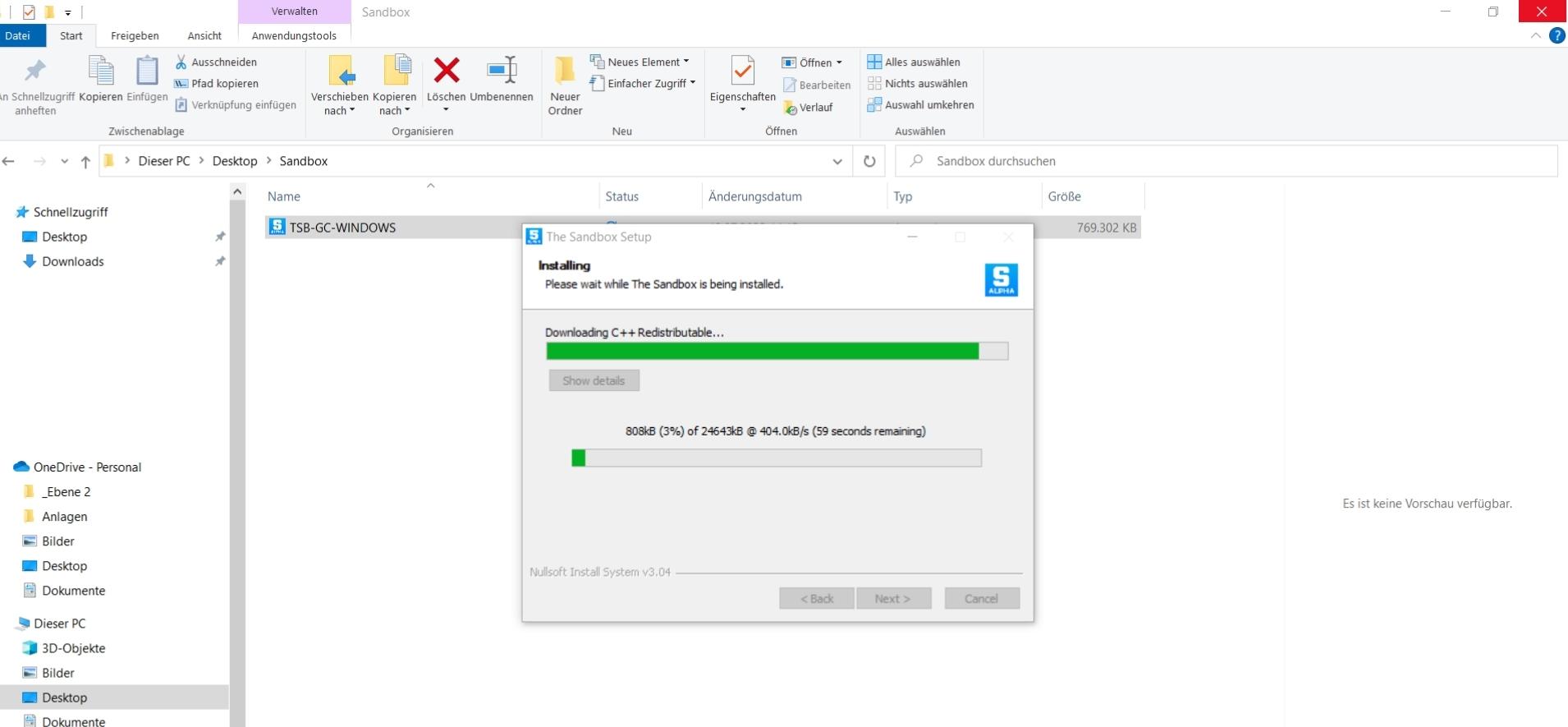
2. Start installation
After the successful download, open the file you just saved to start the installation automatically.
After installation, you can start the program directly and log in to your Sandbox account.
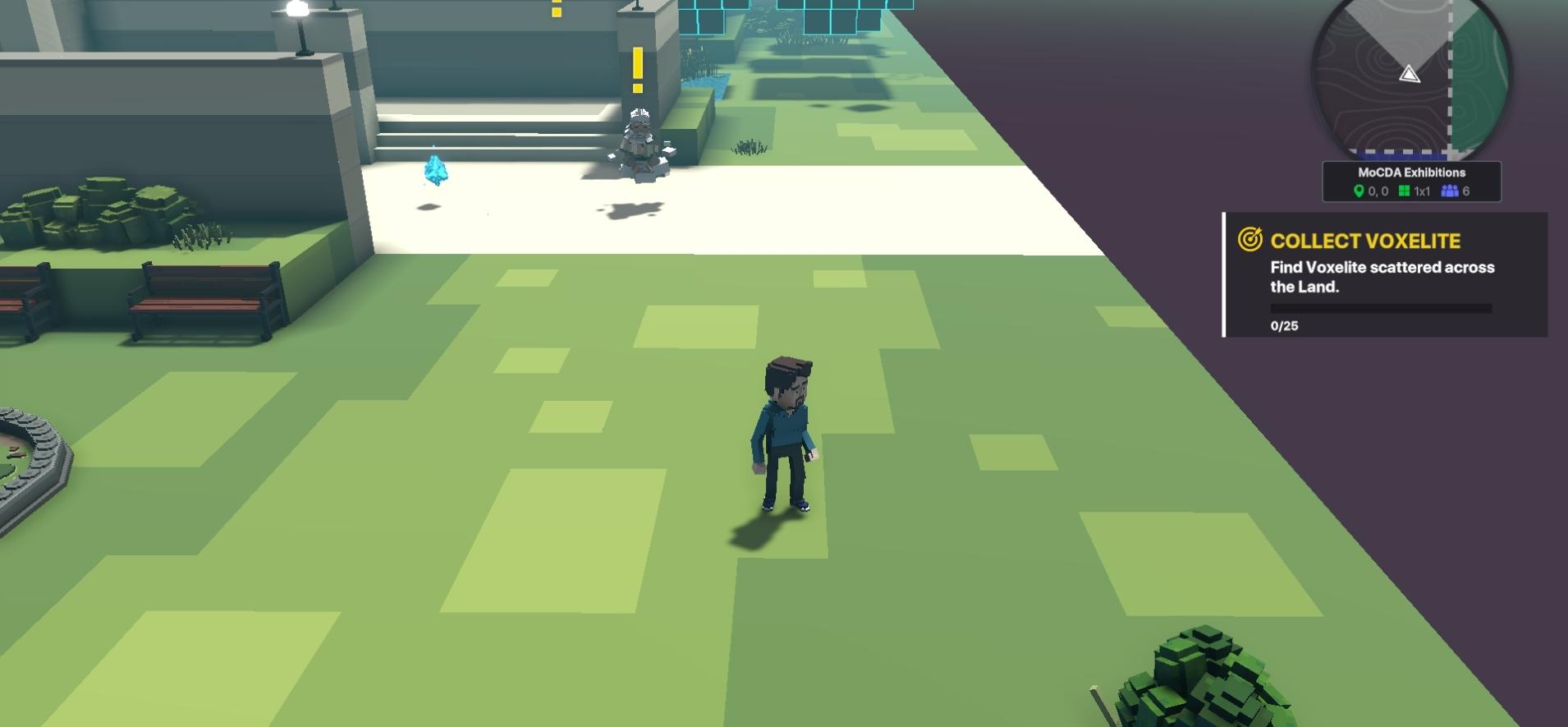
3. Discover Sandbox
Now you can discover the virtual world of Sandbox.
How to control your avatar in Sandbox
- W+A+S+D — Your avatar can walk forward, backward, to the left or to the right
- Shift + W+A+S+D — Your avatar runs forward, back, left or right
- Spacebar — Makes your avatar jump over obstacles
- Hold Shift + T key — You can use the mouse to show an emotion (waving, dancing, thumbs up, …)
- E-button — Interact with objects or users
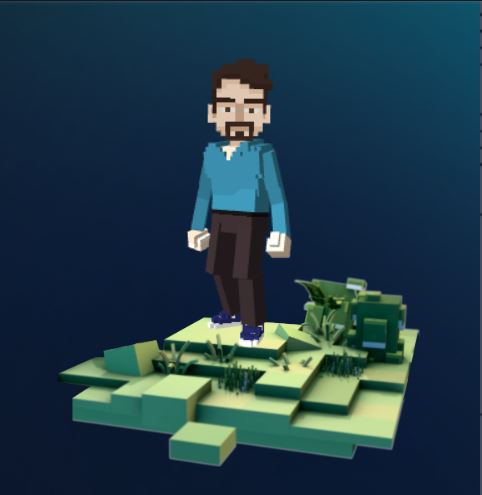
Image source: sandbox.game