
Updated: 2026
The Sandbox
Sandbox is a metaverse world where you can acquire land, design land, and develop games. You can find out exactly what the Sandbox is and what you can do in this metaverse world on this page.
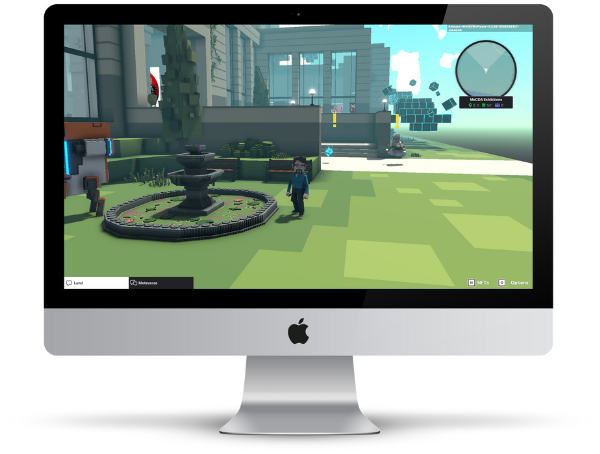
How to create a Sandbox account
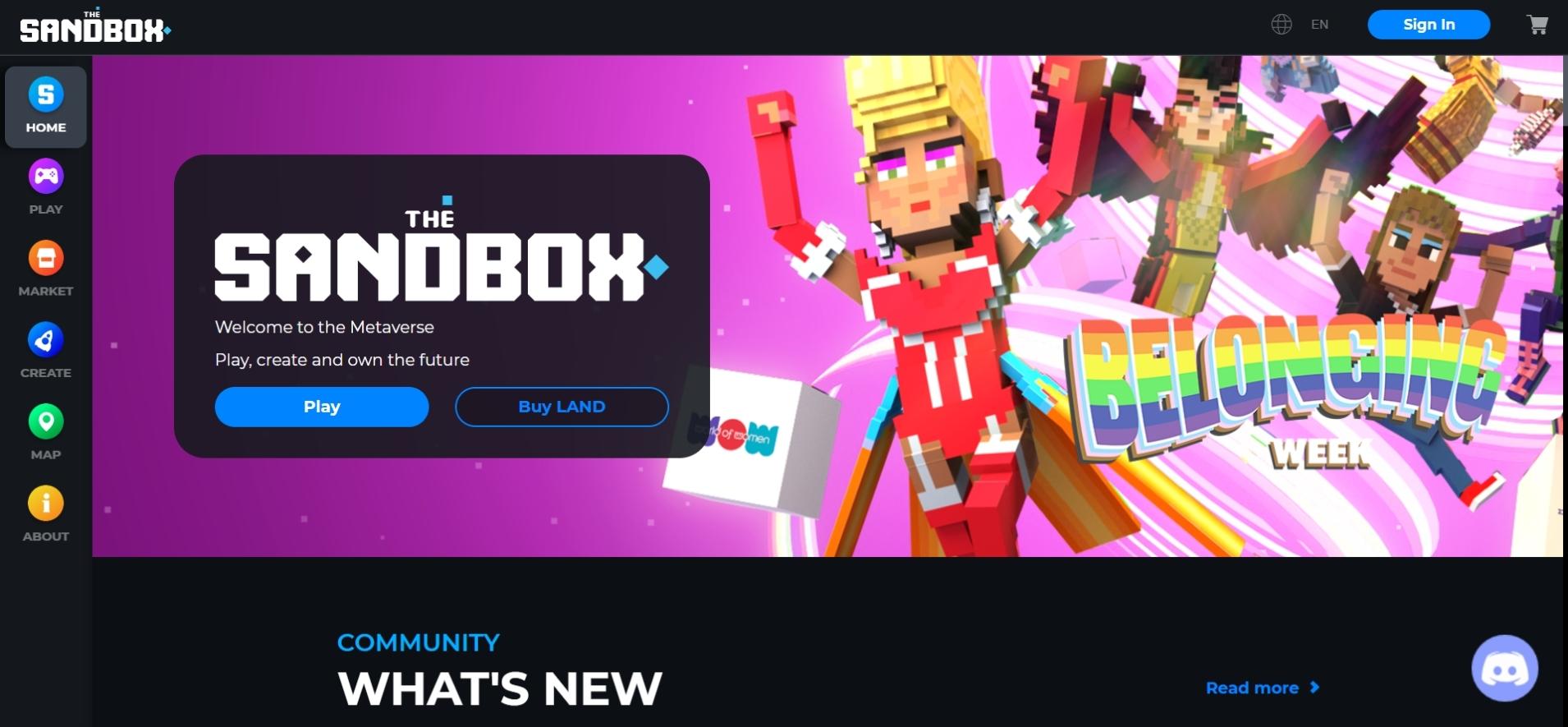
1. Create an account
Open the Sandbox homepage via the following link to create an account: https://www.sandbox.game/en/
Select the blue “Sign up” button in the upper right corner. You now have the option to create your account via MetaMask, Bitski, Coinbase Wallet, Facebook, Twitter or Google.
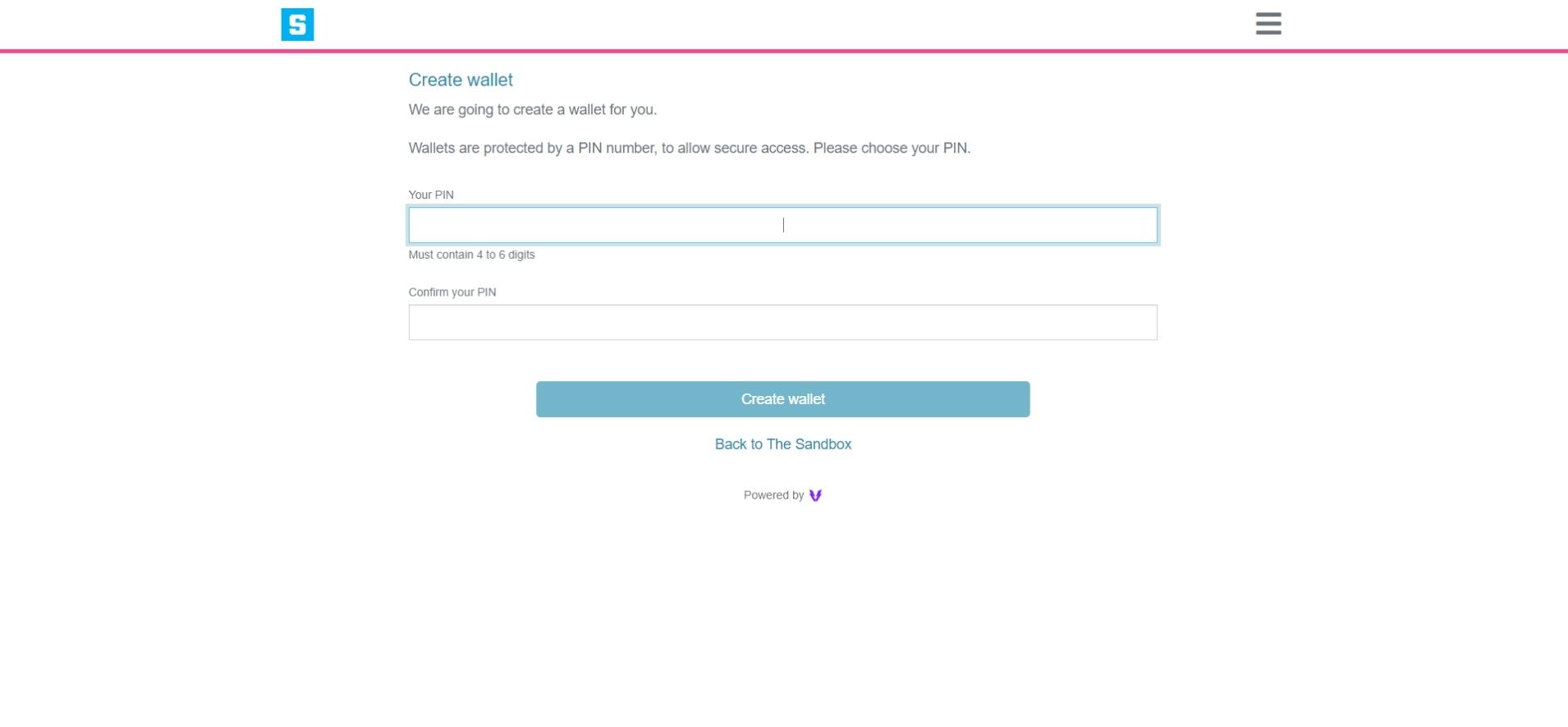
2. Open a wallet
For example, if you want to create a Sandbox account via Google, a wallet will be automatically created for you. To set up the wallet, you need to choose a pin consisting of 4-6 digits.
Before proceeding after entering your PIN, make sure that pop-ups are allowed in your browser settings. Otherwise, your login may be canceled and you will have to start all over again.
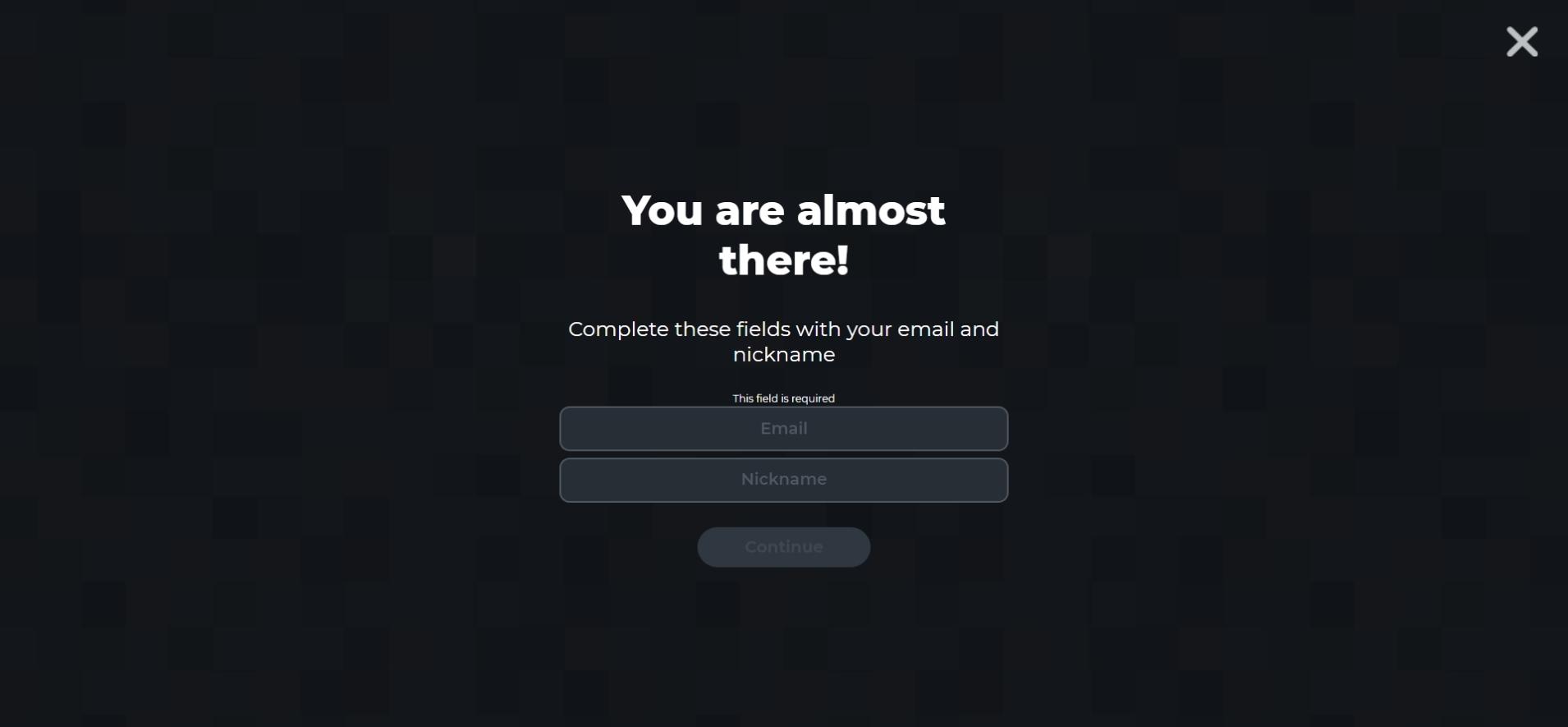
3. E-mail & User
After setting up a wallet, you will be asked for an email address and username for your Sandbox account.
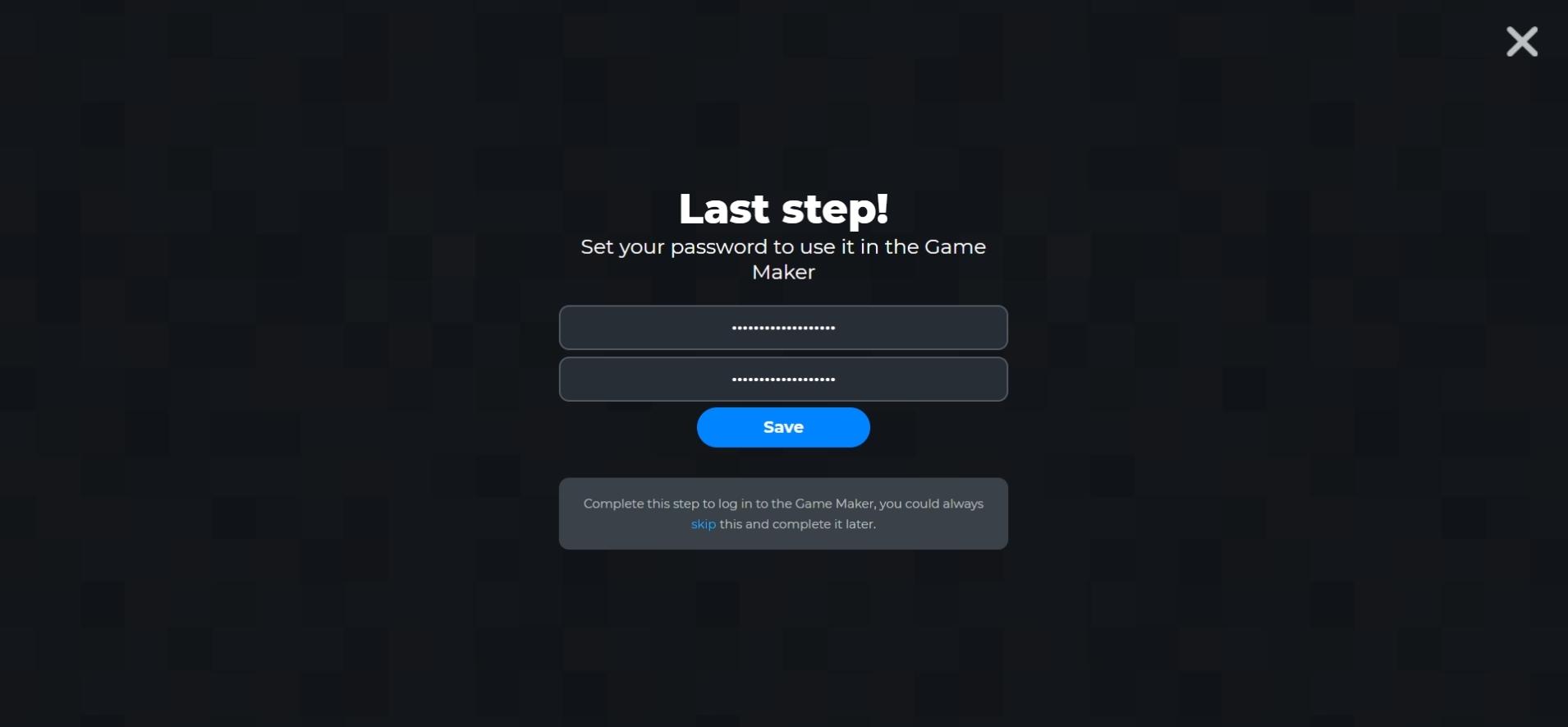
4. Choose password
Finally, choose a password. Try to choose a password that is as secure as possible from letters, numbers and special characters so that you can protect your account properly.
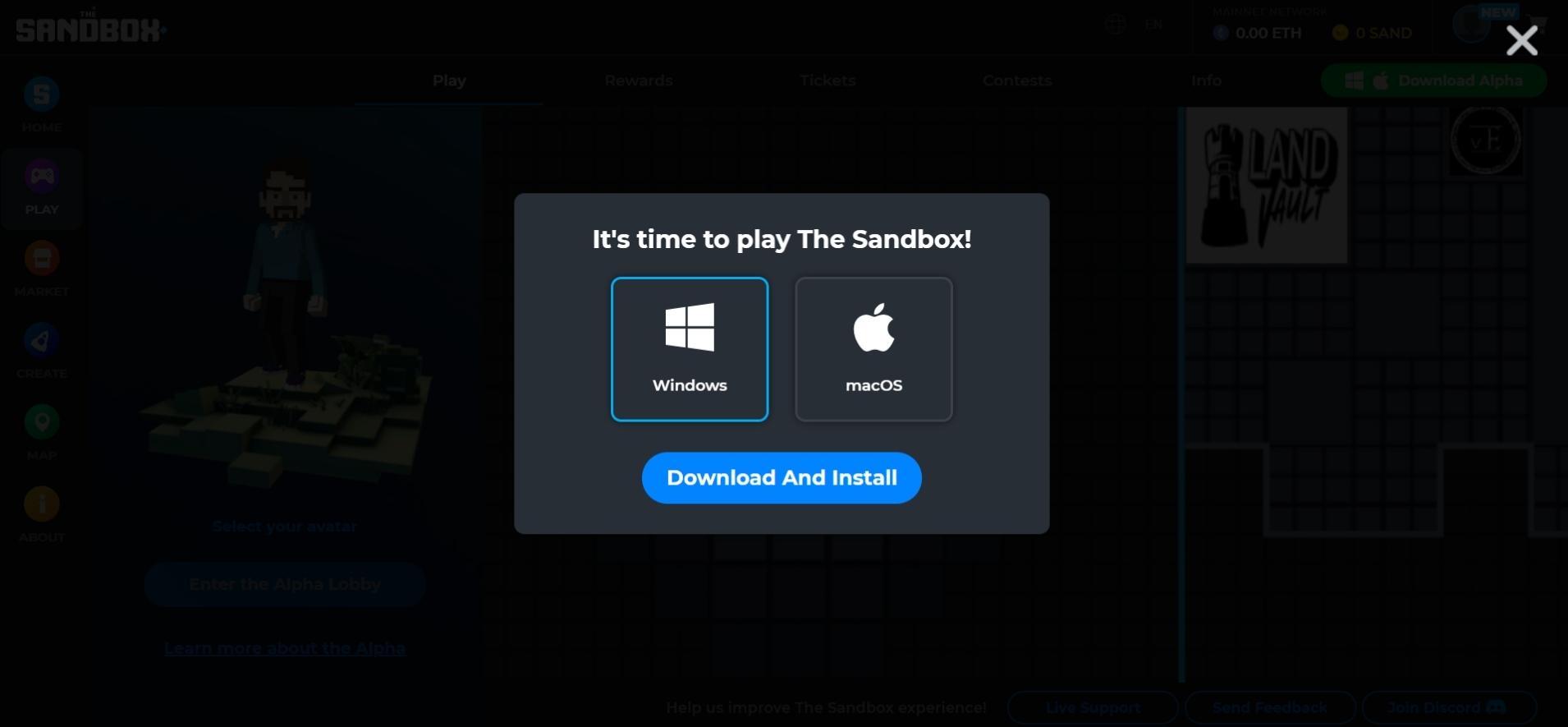
5. Install Sandbox
In order to get started in The Sandbox, you still need to install The Sandbox Alpha program. You can find out how to do this and where you can download the program here.
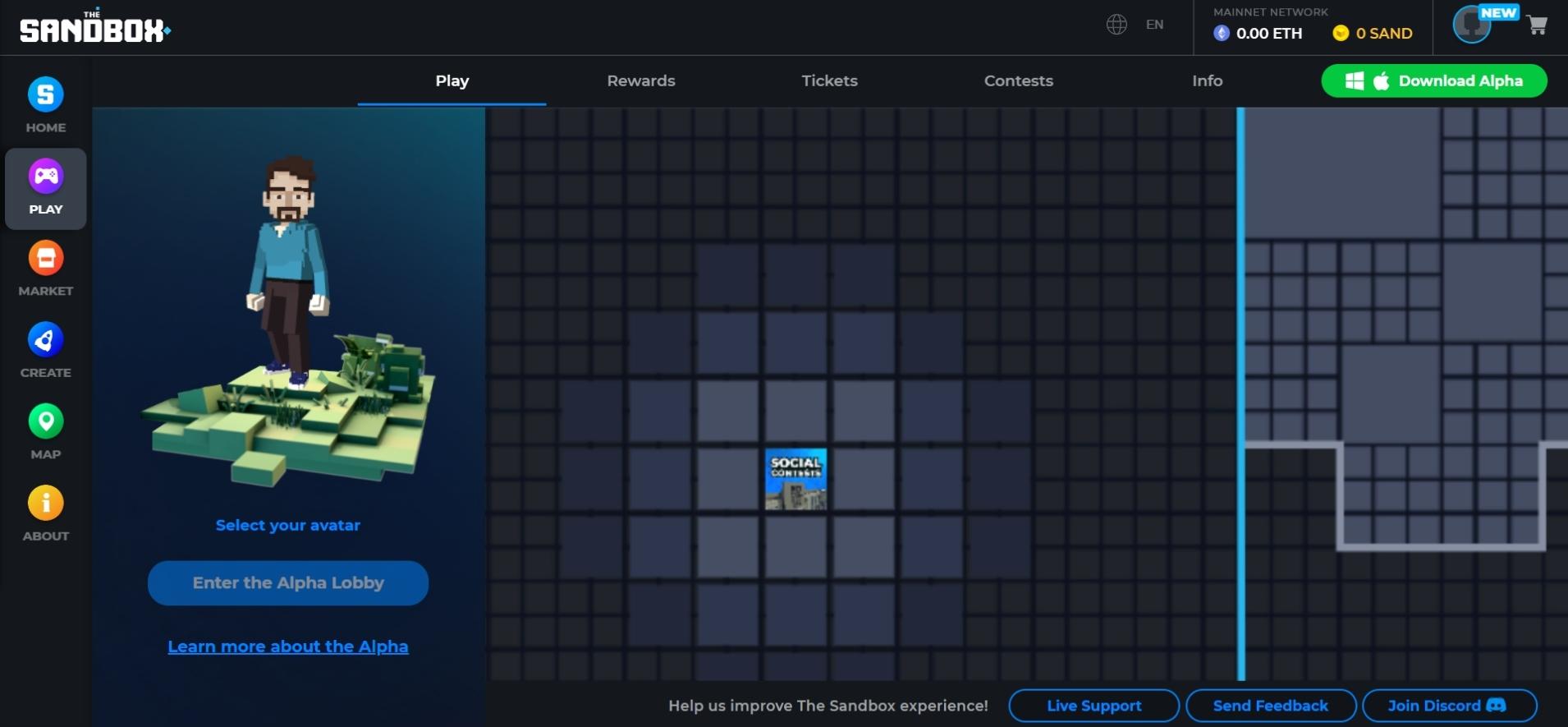
6. Discover Sandbox
You have already successfully created your Sandbox account and installed the program. Now you can play a game, buy NFTs in the Market or even develop your own game.
The Sandbox: Key Facts 2026
| Status 2026 | Technically active; user activity has declined significantly |
| Wallet required | Yes — a crypto wallet (e.g. MetaMask, Coinbase Wallet, Bitski) is needed |
| Platform | Browser and app |
| Official website | sandbox.game |