
Metaverse User
  • Worlds
  • Create Accounts
  • Login
  • XR-Brillen
    • Metaverse VR glasses
      • VR glasses Horizon Worlds
      • VR Glasses Mesh
      • VR goggles Roblox
      • VR glasses Somnium Space
      • VR glasses Spatial
      • VR glasses Voxels
    • Mixed reality glasses
    • AR glasses
  • Metaverse Encyclopedia
  • Metaverse News
  • English
    • German
Select Page

Create a Fortnite Account

Fortnite is an online multiplayer video game that combines elements from different genres. It mainly belongs to the genre of battle royale games.

You can find out how to create a Fortnite account on this page.
Let's go
Account login
More about Fortnite
Fortnite Login Info

How to Create a Fortnite Account

Account & App
Create an Upland Account

1. Download the app / program

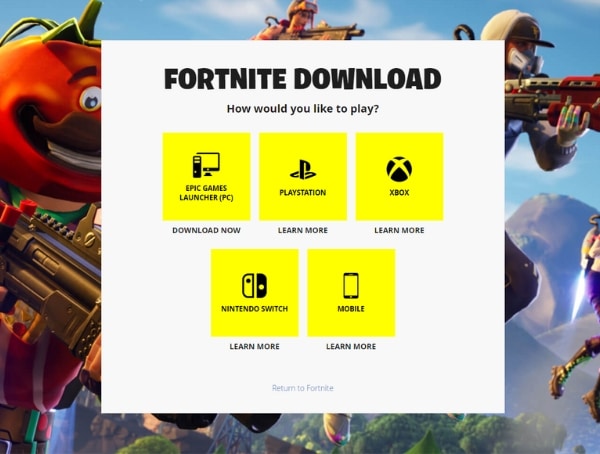
To play Fortnite, you must first download the app or program. You can do this via the following link:
Fortnite Download | All the Ways to Play Fortnite

Create an Upland Account

2. Create an Epic Games Account

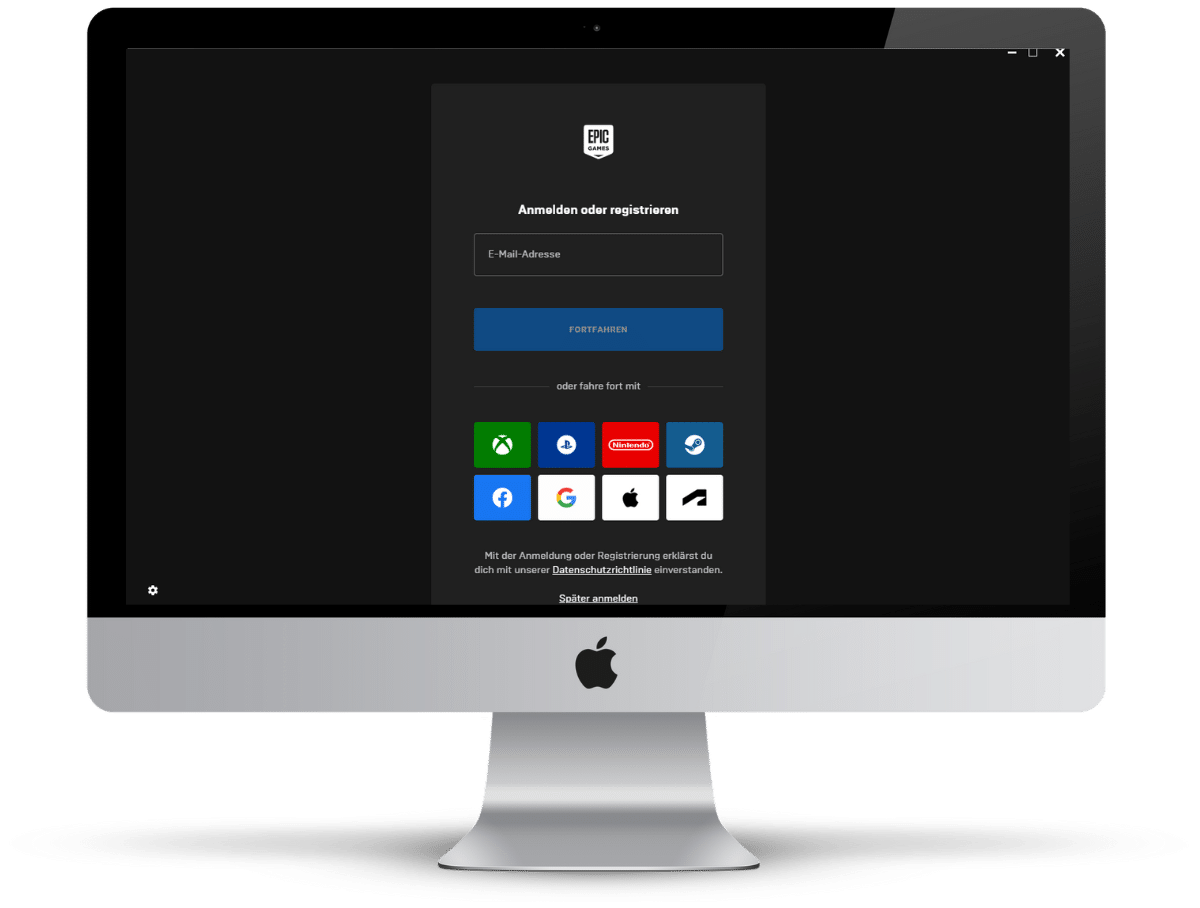
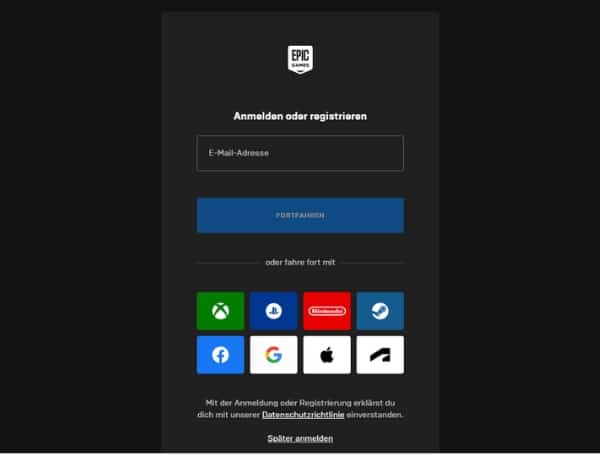
Once you’ve downloaded the app/program, you’ll need to create an Epic Games account.

You can also easily create existing accounts on Google, Apple, XBOX, Playstation, Nintendo, Facebook,… use.

Thanks to the link, payment data or other information is automatically stored, so you don’t have to enter it.
Configuring Fortnite Palyer

3. Configure users

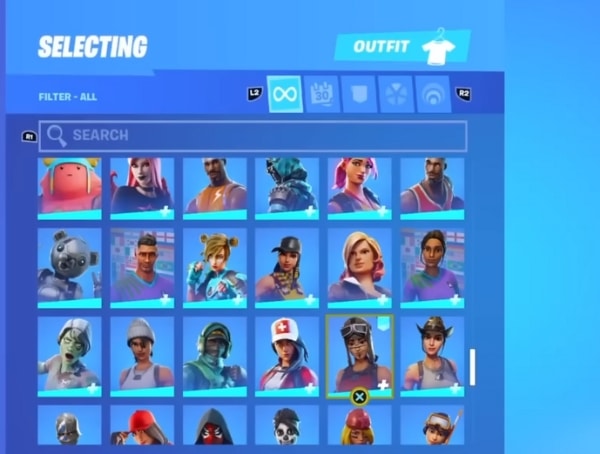
Now you can create and customize your Avertar. These customizations include skins, back accessories, harvesting tools, gliders, loading screens, emotes, banners, and control cards.

These customizations allow players to make their characters unique and express their personalities in the game. Many of these customizations can be purchased with the in-game currency, V-Bucks .

Fortnite Account for Desktop PC / Laptop

Setup & Installation
Create an Upland account

1. Epic Games Launcher for Desktop/Laptop

If you want to play and install Fortnite on desktop/laptop, you must first install the Epic Games Launcher on your machine. You can do this via the following link:
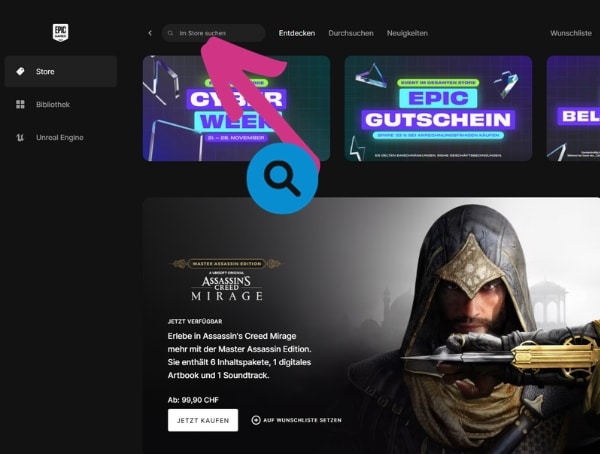
Fortnite Download | All the Ways to Play Fortnite

Upland Verification

3. Find Fortnite in the Epic Games Launcher

Now, search for Fortnite in the Epic Games Launcher.
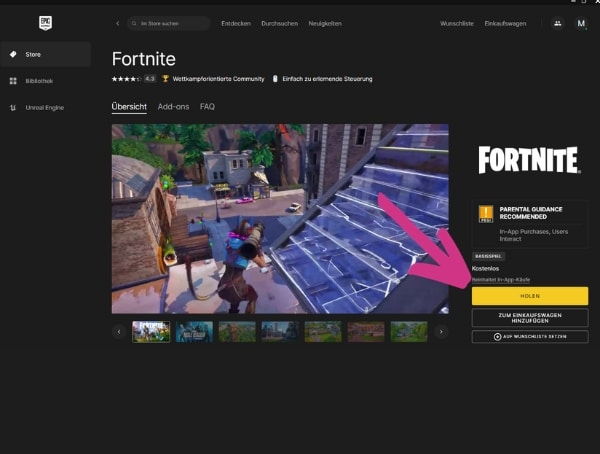
Find a Fortnite Game

3. Download Fortnite for PC

You can now download Fortnite through the Epic Games Launcher.
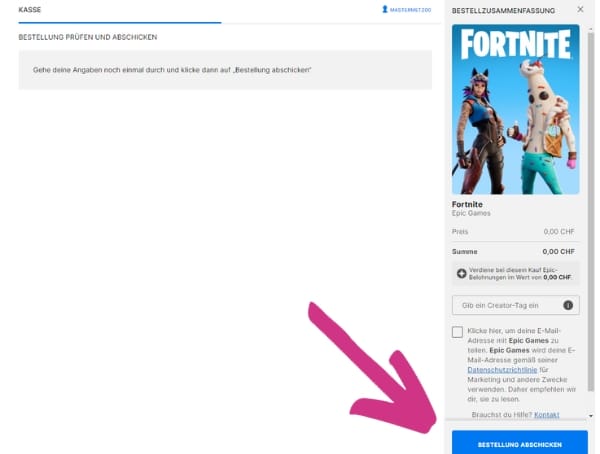
Installing Fortnite

4. Perform installation

Now you can perform the installation according to the given instructions.

account login metaverse

metaverse-user.com

TopBlogs.de das Original - Blogverzeichnis | Blog Top Liste
  • Follow
  • Follow

Metaverse

  • Worlds
  • Create Accounts
  • Login
  • Metaverse Encyclopedia
  • Metaverse News

Technik

  • Metaverse VR glasses3
    • VR glasses Horizon Worlds
    • VR Glasses Mesh
    • VR glasses Somnium Space
    • VR glasses Spatial
    • VR goggles Roblox
    • VR glasses Voxels
  • Mixed reality glasses
  • AR glasses

Rechtliches

  • Sitemap
Haftungshinweis

Diese Seite enthält keine Finanzempfehlungen oder rechtlich verbindliche Aussagen. Es handelt sich um die Ansicht der Seitenredakteure, die trotz gründlicher Recherche immer von jedem Seitenbesucher selbst überprüft werden müssen.

*Links

Diese Seite enthält sogenannte Affiliate-Links. Nutzen Sie über diesen Link das Angebot der Zielseite, erhalten wir vom entsprechenden Anbieter eine Provision. Für Sie entsteht dadurch in der Regel kein preislicher Nachteil.

  • English
  • Deutsch (German)