
Updated: 2026
Voxels Login
Voxels — or formerly Cryptovoxels — is a digital world in which you can discover and create worlds. You can find out how to log in to your Voxels account on this page.

How to log in to your Voxels account
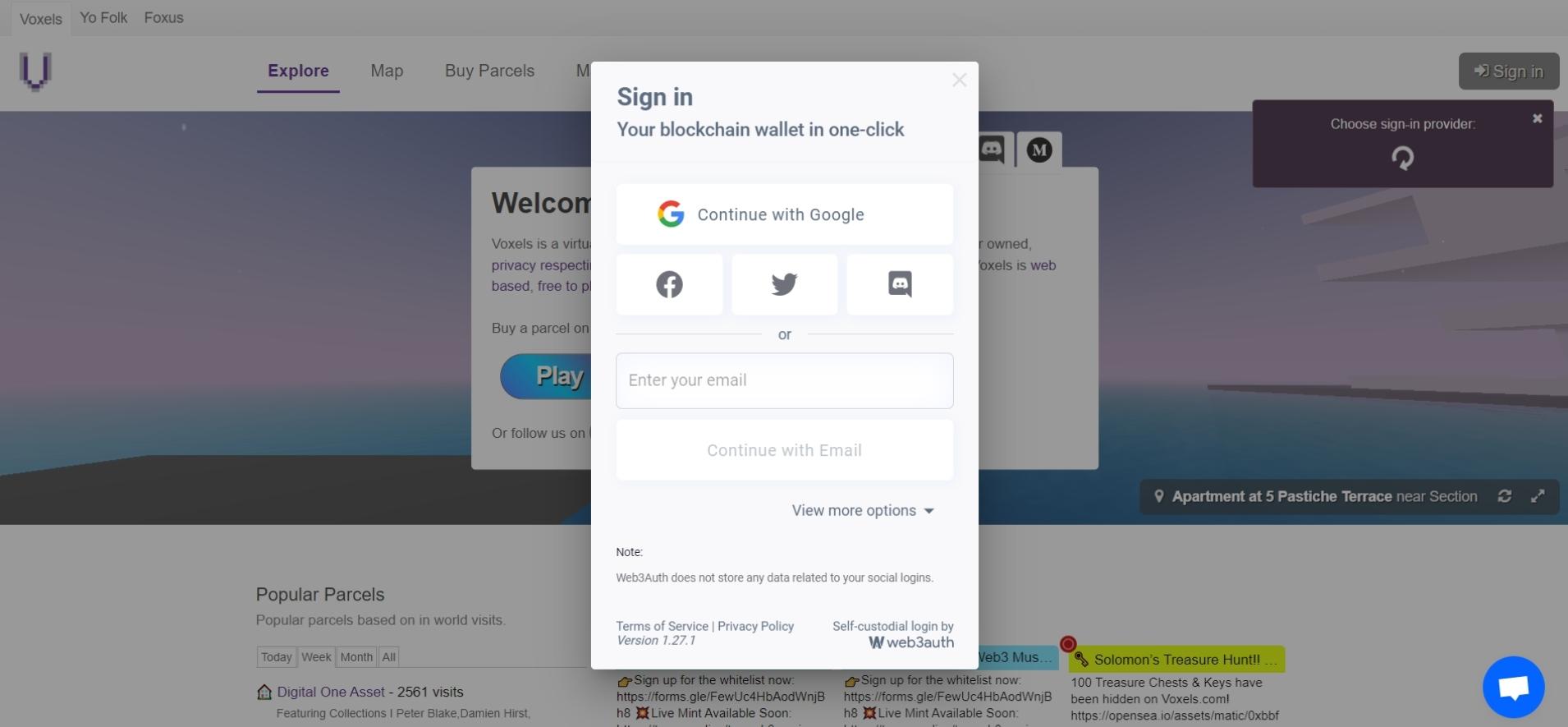
1. Account login
Open https://www.voxels.com/ and click on “Sign in” in the top right corner so that you can log in to your Voxels account.
You can log in via MetaMask, WalletConnect, Coinbase, Google, Facebook, Twitter or via email.
Tip: Before you log in, check the box next to “Remember choice and sign in automatically” so that you can log in faster next time.
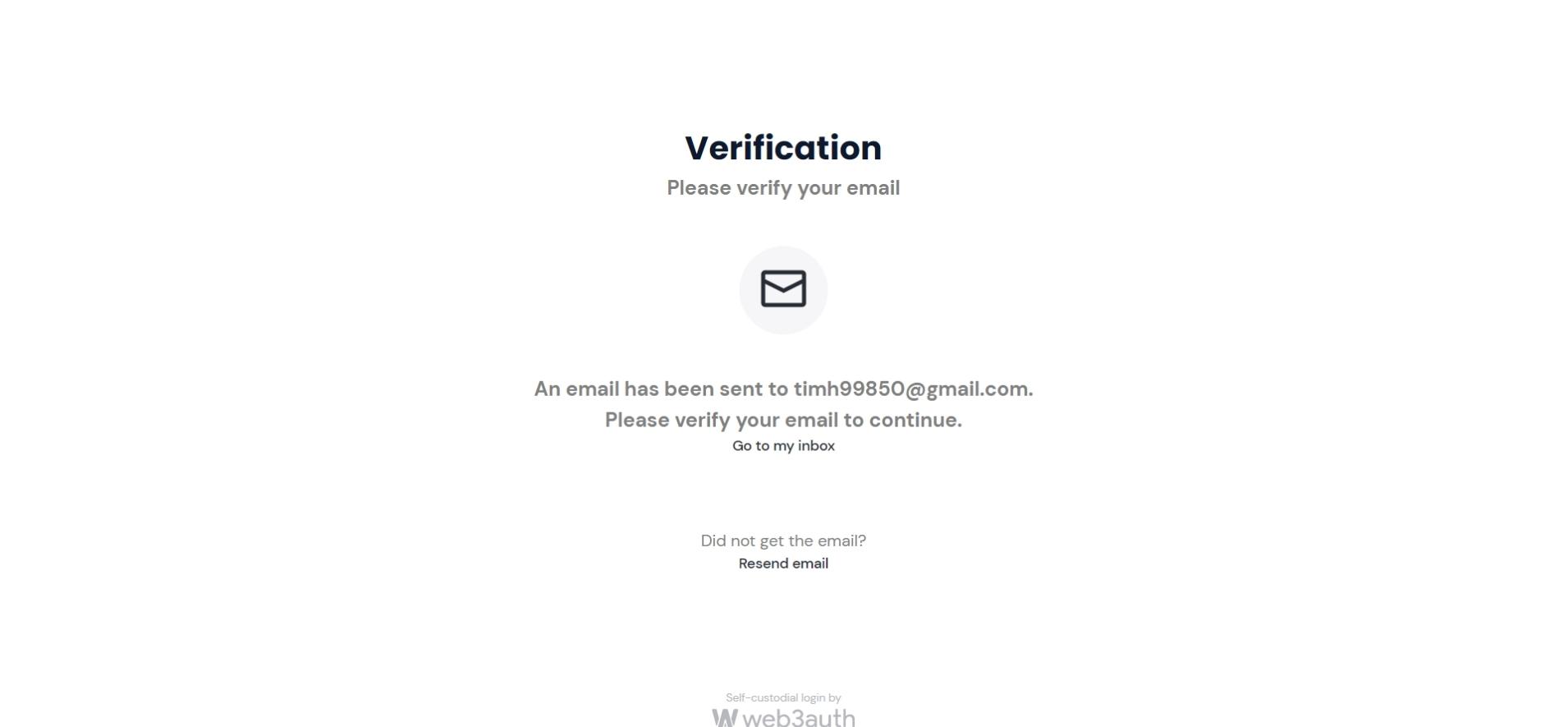
2. Verify email
If you log in via your e-mail address, you will always receive a verification e-mail.
Click “Confirm my email” in the email to continue.
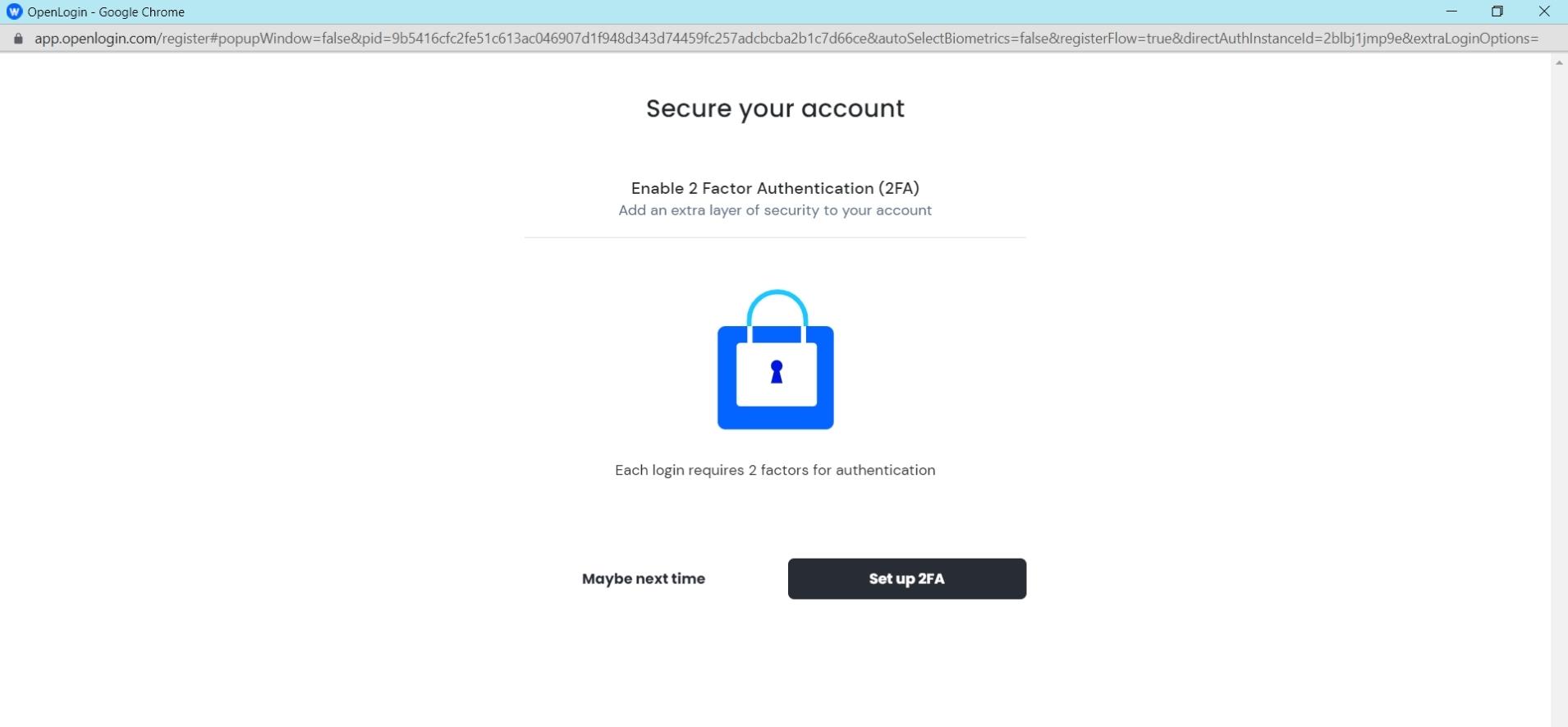
3. Two-factor authentication
If you have enabled automatic login, you will be asked if you want to set up two-factor authentication after verification.
In addition to the password or the verification e-mail address, you store another security layer. In this way, you can also protect yourself against unauthorized login to your account.
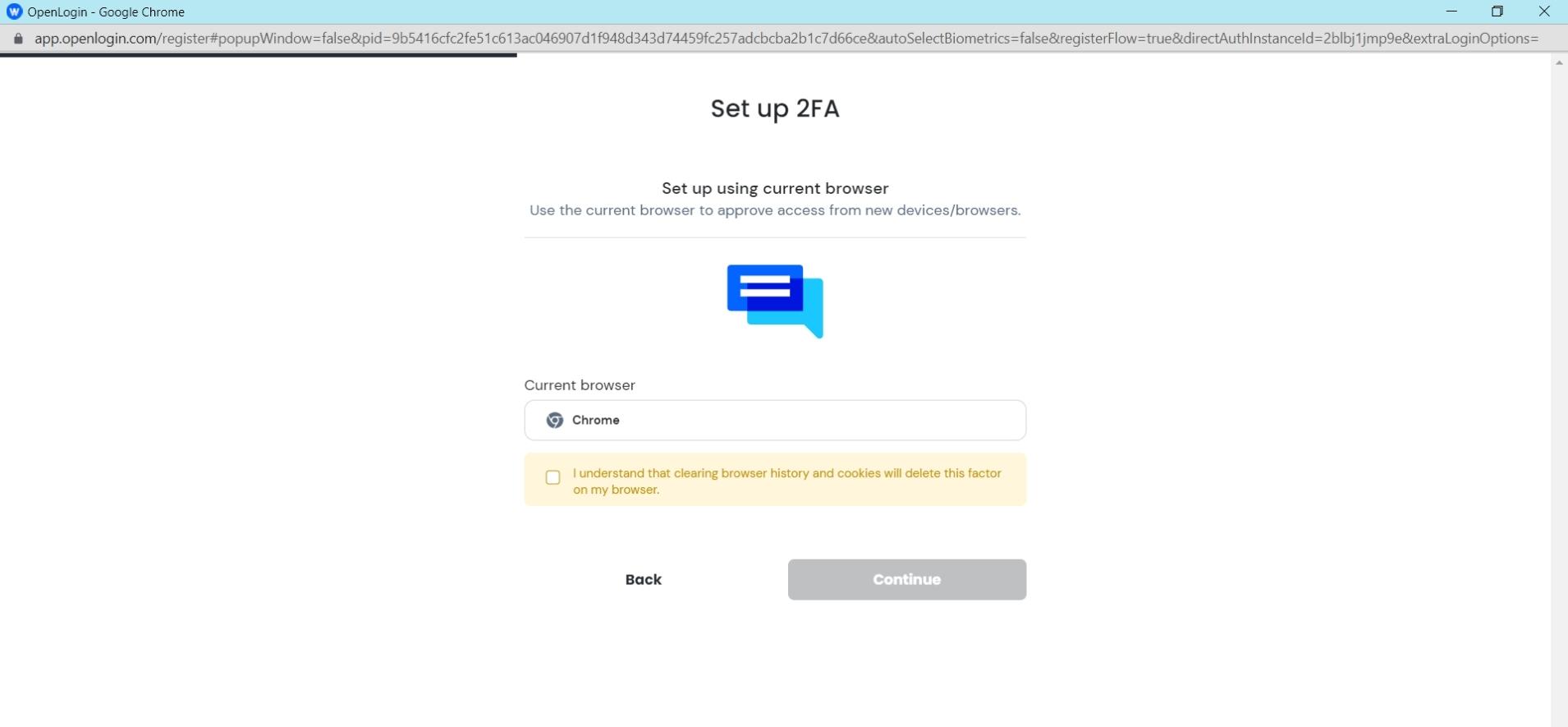
4. Save current browser
With two-factor authentication with Voxels, you can save the browser you are currently using if you wish.
Only if you access your account via another browser in the future, you will have to carry out the verification.
5. Enter your e-mail address
You will then need to enter an e-mail address.
It is important that you always have access to this e-mail address. With two-factor authentication, you will be sent a backup set to this address, which you must specify.
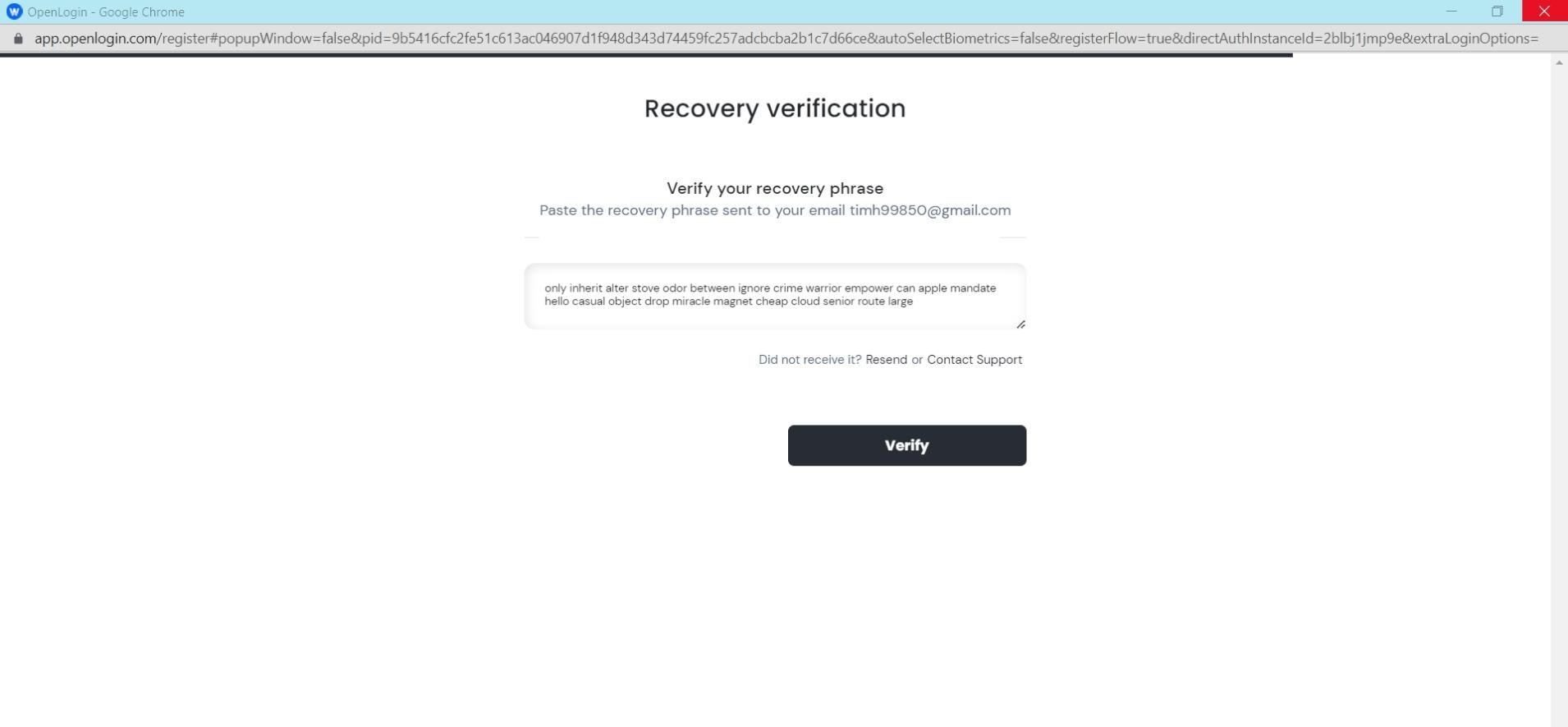
6. Backup Set
You will now receive a backup set to this e-mail address. Copy this sentence from the e-mail and paste it into “Recovery verification”.
You’ve already set up two-factor authentication.
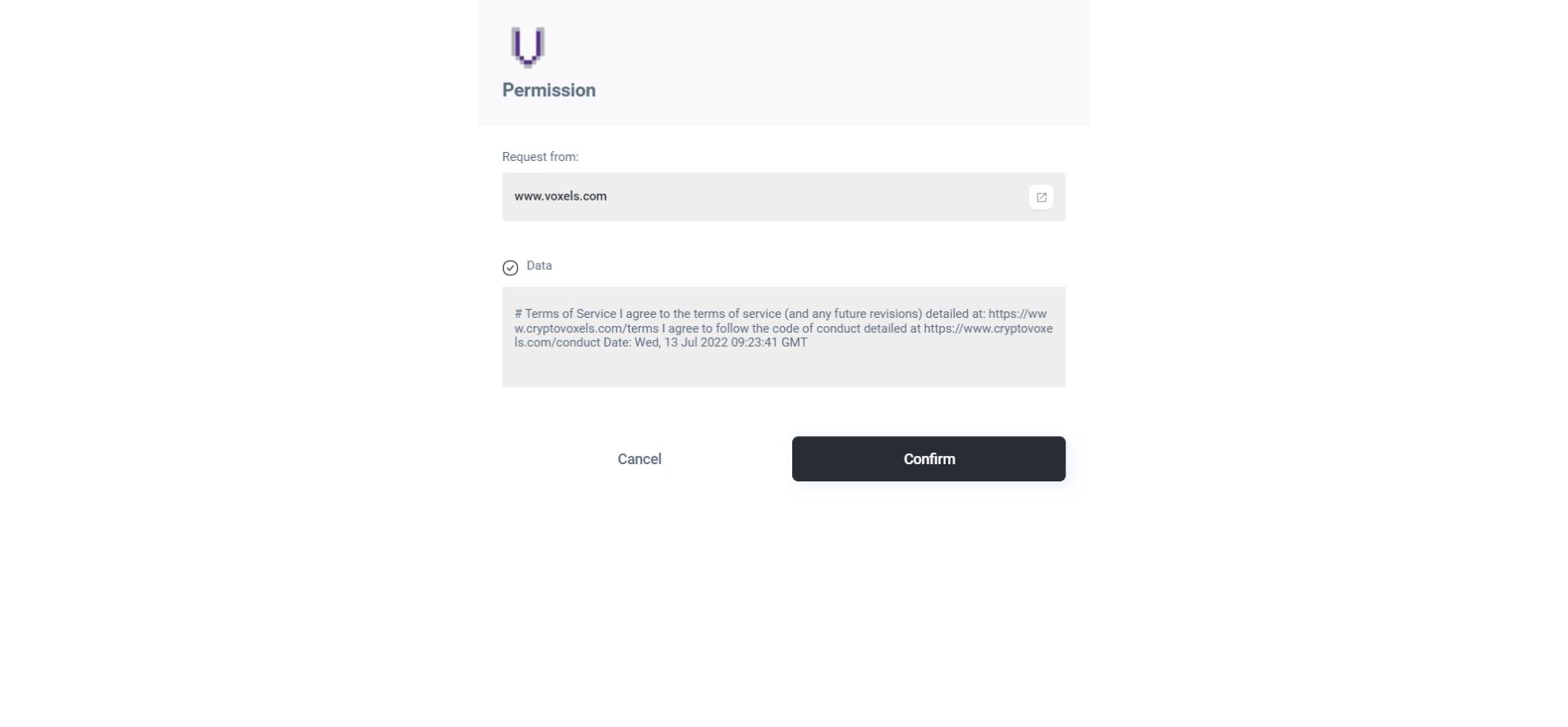
7. Accept Privacy Policy
After two-factor authentication has been successfully set up, you still need to confirm Voxels’ privacy policy.
You have already successfully logged in.
Voxels at a Glance
| Status 2026 | Active; runs in the browser (no download required) |
| Formerly known as | Cryptovoxels |
| Blockchain | Ethereum / Polygon |
| Wallet required | Yes (e.g. MetaMask, WalletConnect, Coinbase Wallet) — or log in via Google, Facebook, Twitter, or email |
| Platform | Browser-based |