Updated: 2026
Decentraland
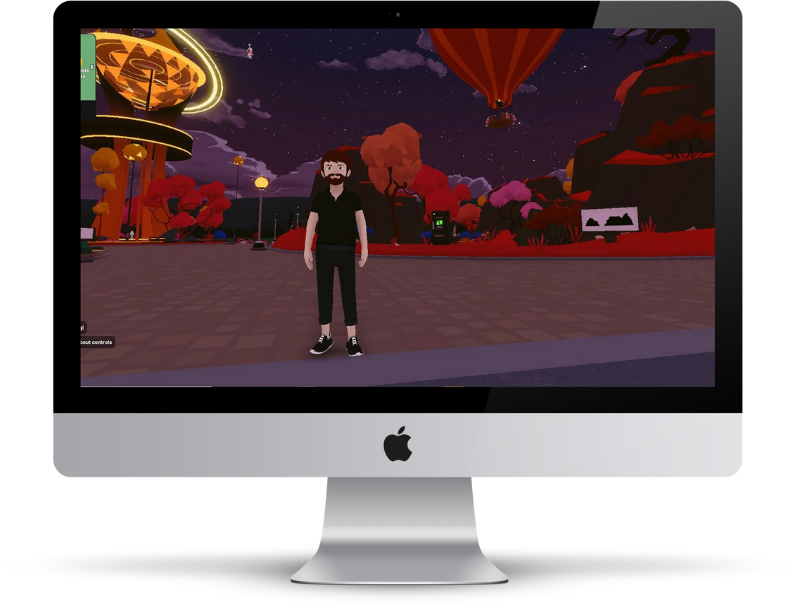
Decentraland is a virtual reality ecosystem where you can move around in a colorful world, meet others, and create things. Especially the topic of owning and buying LAND is very pronounced in this metaverse world.
You can find out how to create a Decentraland account on this page.
How to create a Decentraland account
Account, Web3 Wallet & Avatar
1. Get into Decentraland
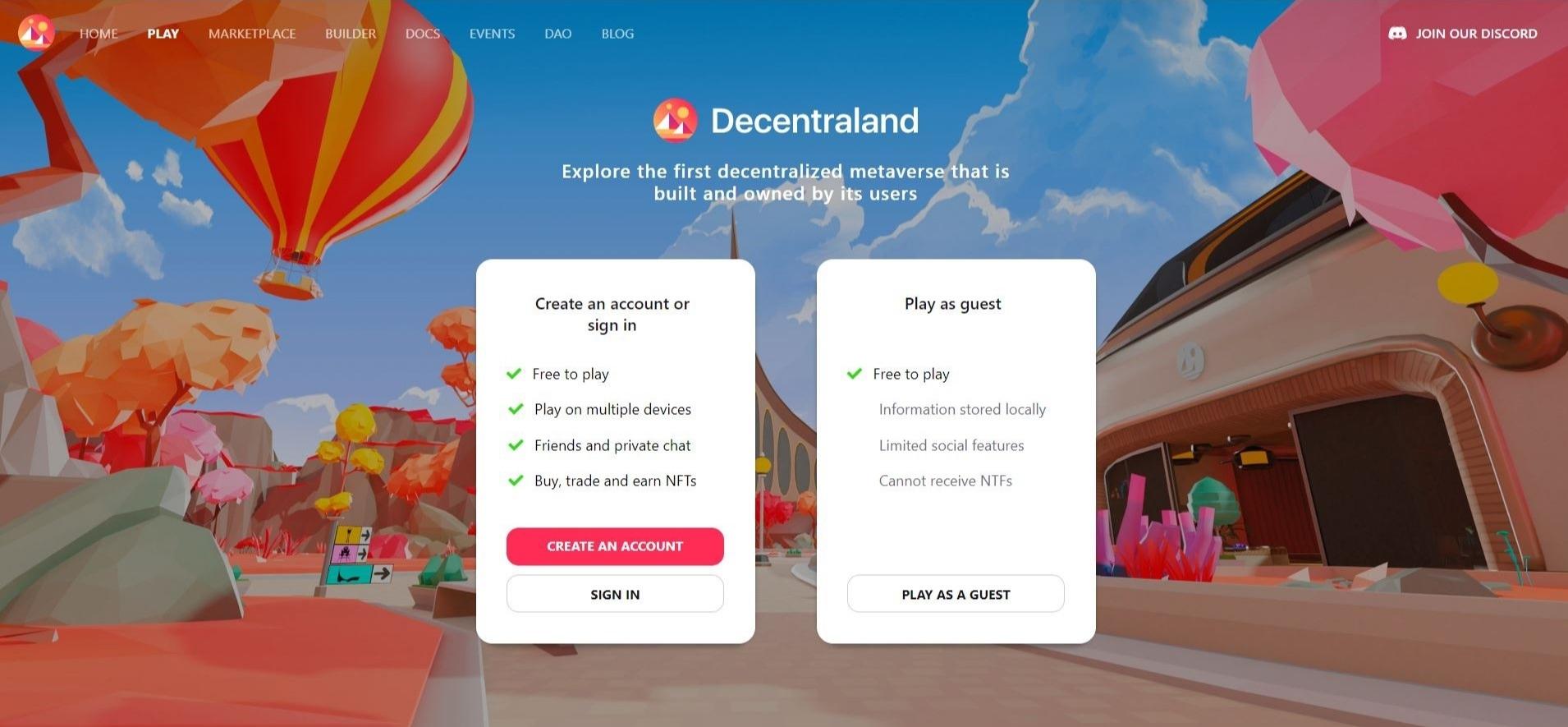
You can get into Decentraland via https://play.decentraland.org/.
Depending on your preference, you can create your own account (via a Web3 wallet) or play as a guest. The advantage of an account is that you can log in on different devices, write privately with friends, and buy or trade NFTs.
2. Create an account
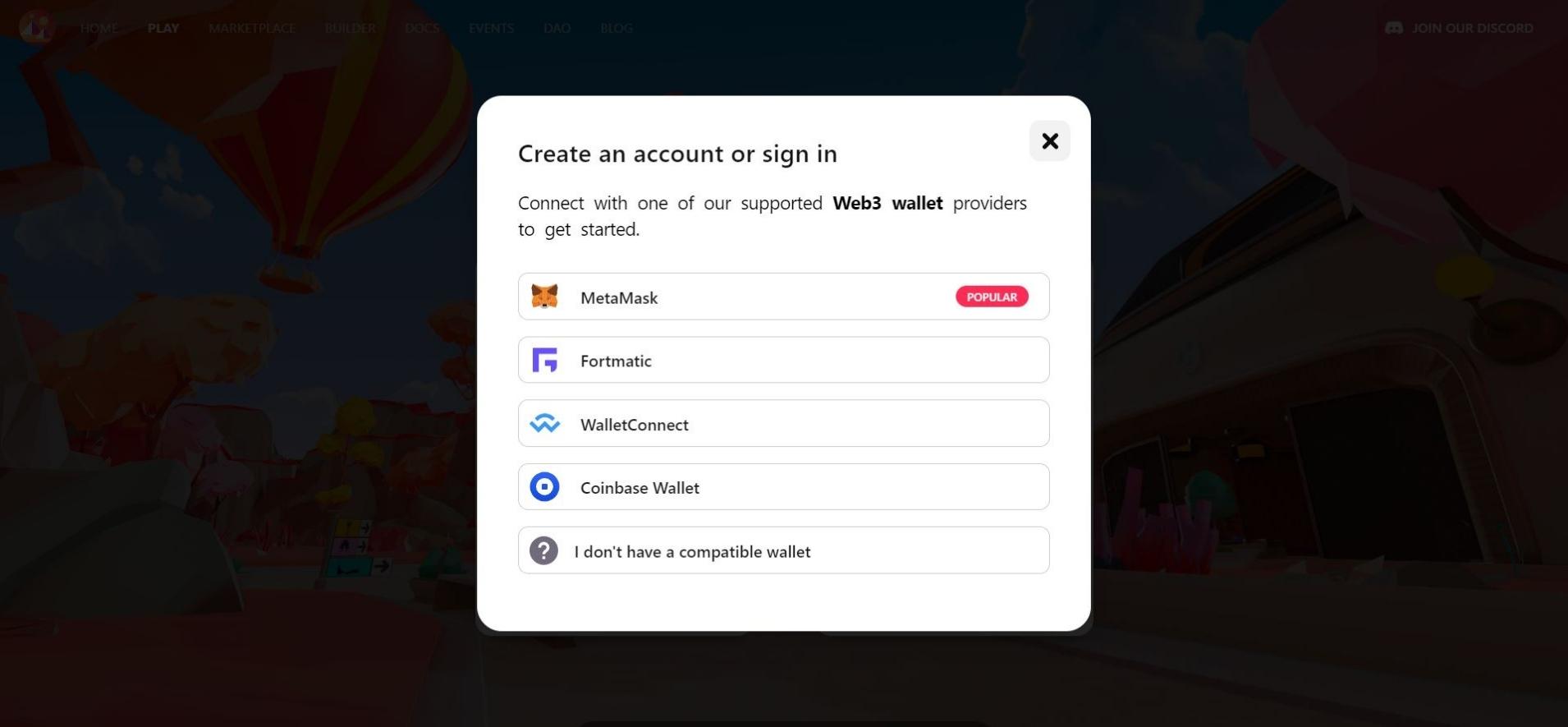
If you want to create an account, the next thing you’ll be asked for is your Web3 Wallet. You can choose between MetaMask, Fortmatic, WalletConnect and Coinbase Wallet.
If you already have a Web3 wallet, you can log in directly via it. If you don’t have a Web3 wallet yet, select the “I don’t have a compatible wallet” option.
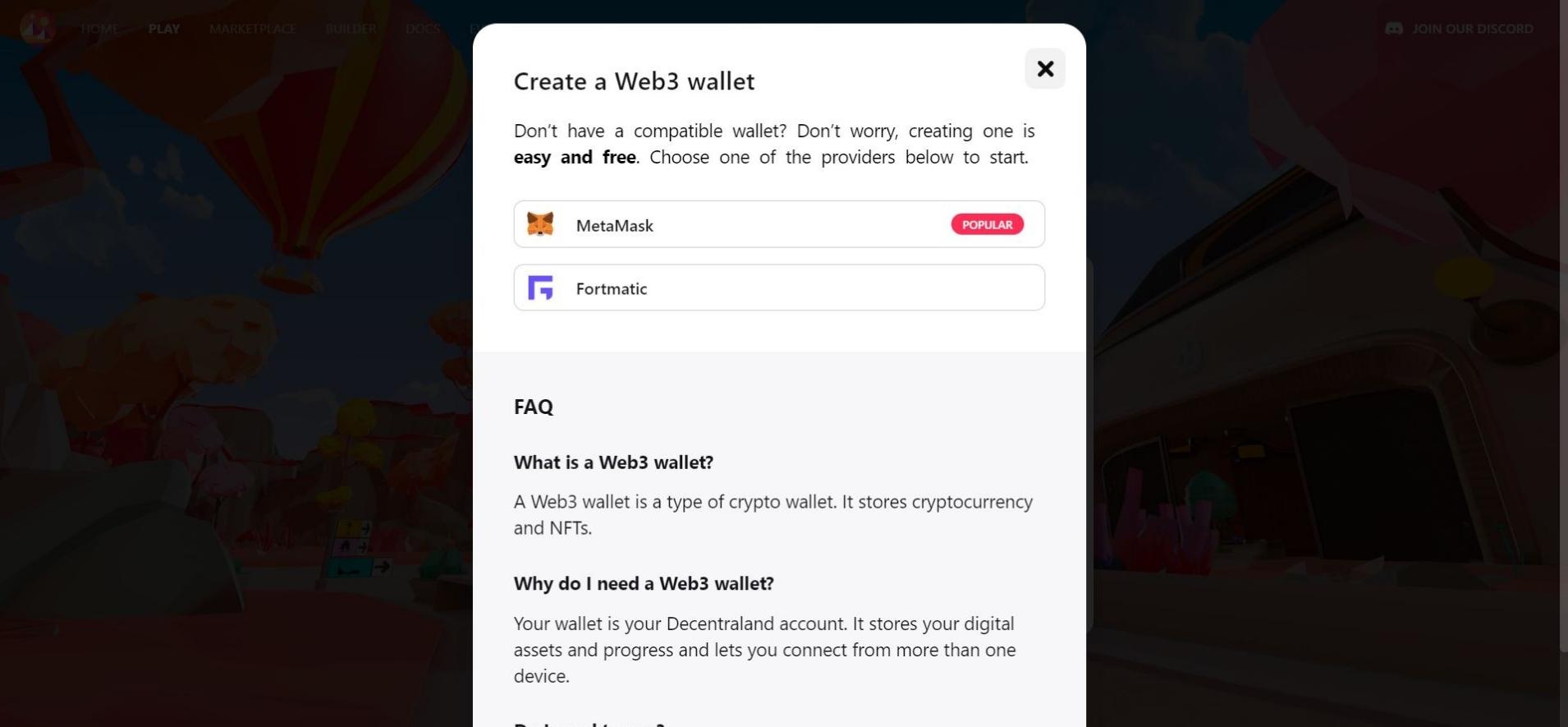
3. Web3 Wallet
Since a Web3 wallet is required to create an account, you are now suggested to create a wallet with MetaMask or Fortmatic.
For a quick and easy way to get started with Decentraland, we recommend choosing a Fortmatic wallet.
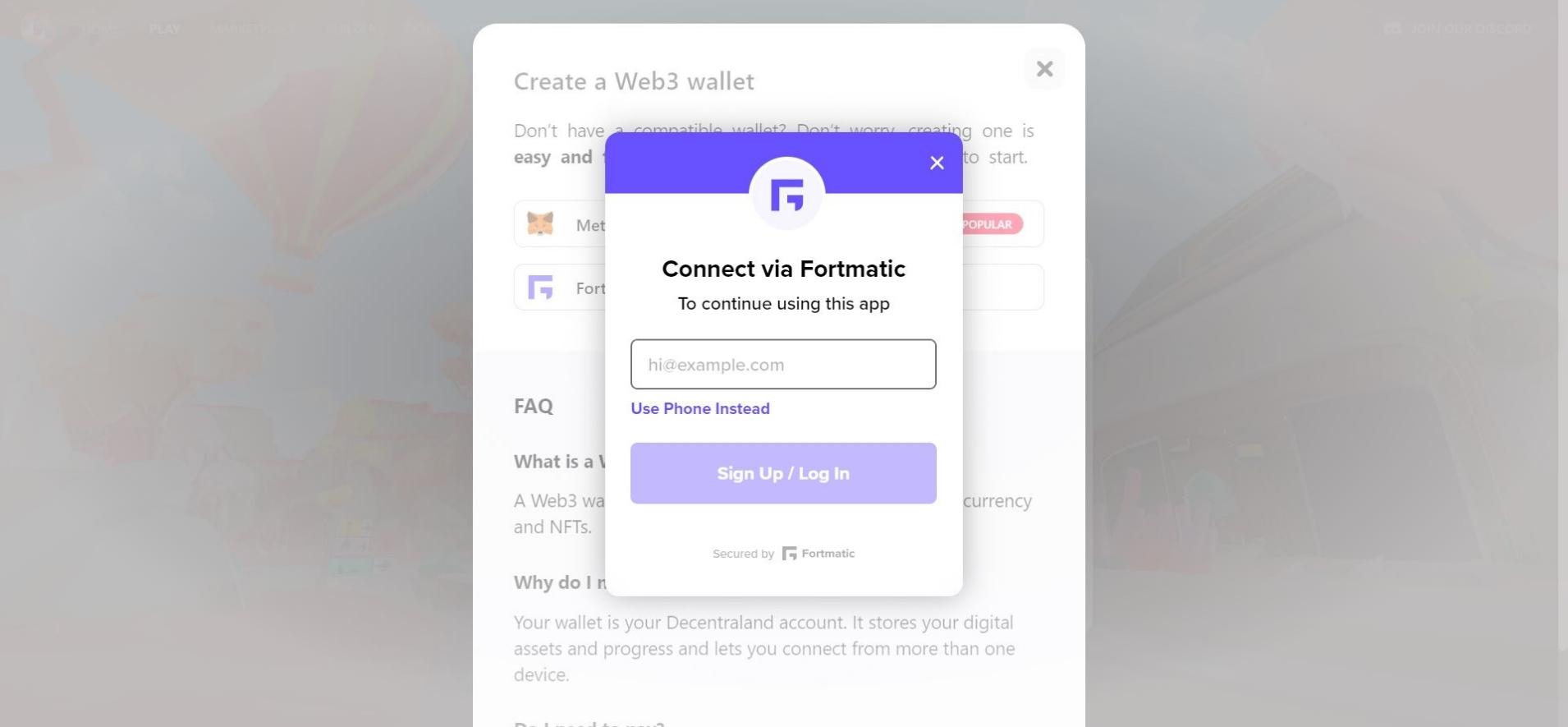
4. Create a Fortmatic Wallet
If you have chosen Fortmatic, you will be asked for your e-mail address.
Alternatively, it is also possible for you to use your phone number to create an account.
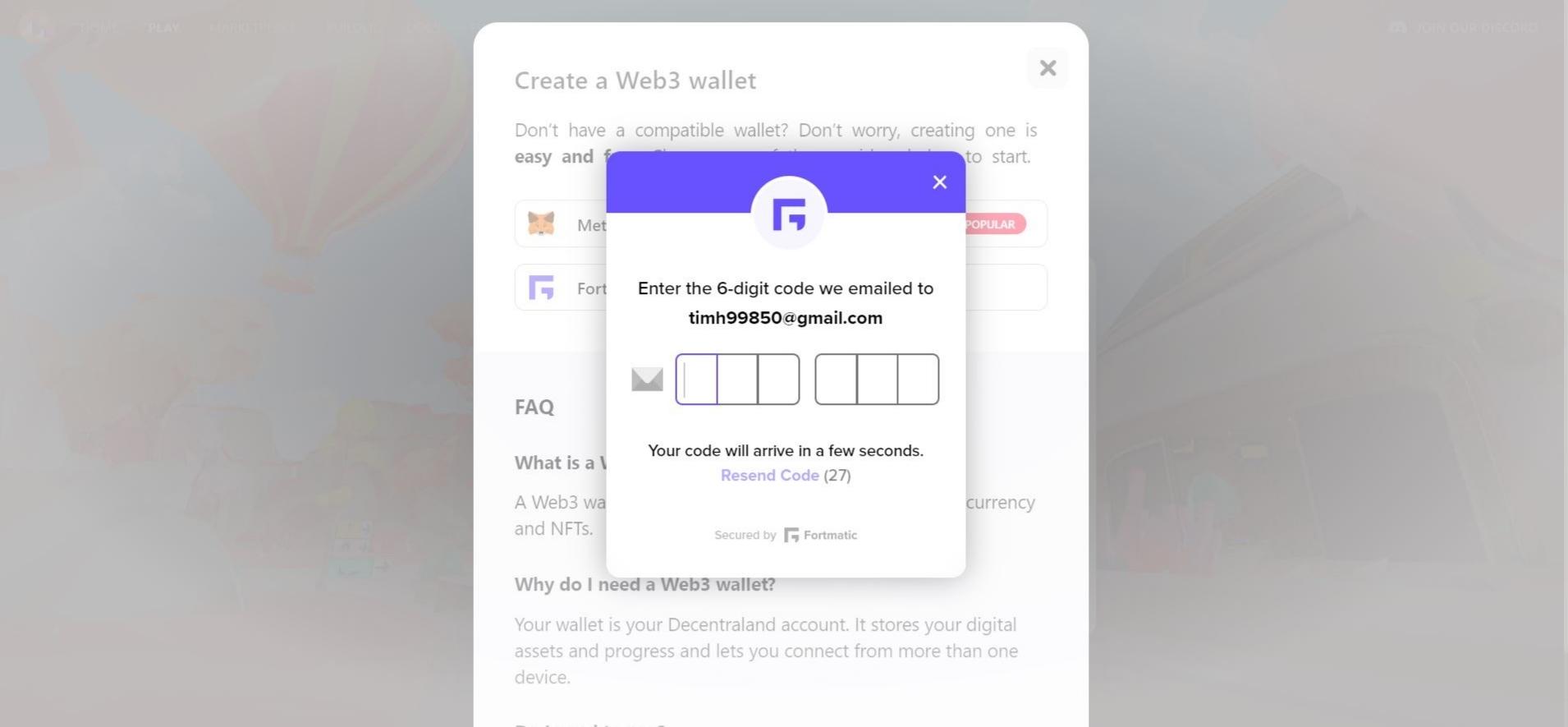
5. Fortmatic Verification
Depending on whether you have provided your email address or your phone number, a verification code will be sent to you.
Please also check your spam or junk folder. Enter the 6-digit numeric code in the fields provided.
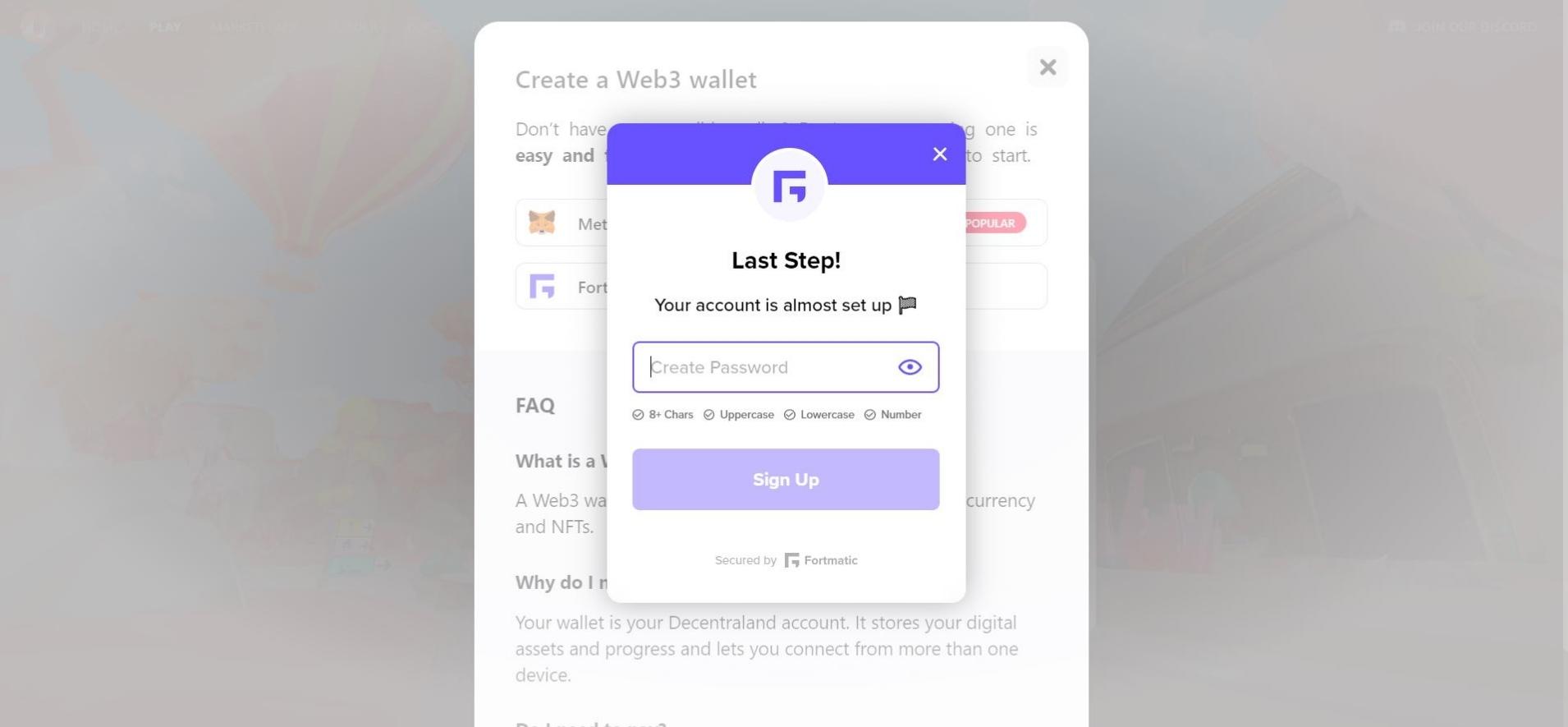
6. Choose Fortmatic Password
After successful verification, you will now need to choose a password for your account.
As with any password choice, we recommend that you choose a password that is as long as possible with numbers and special characters for your own security.
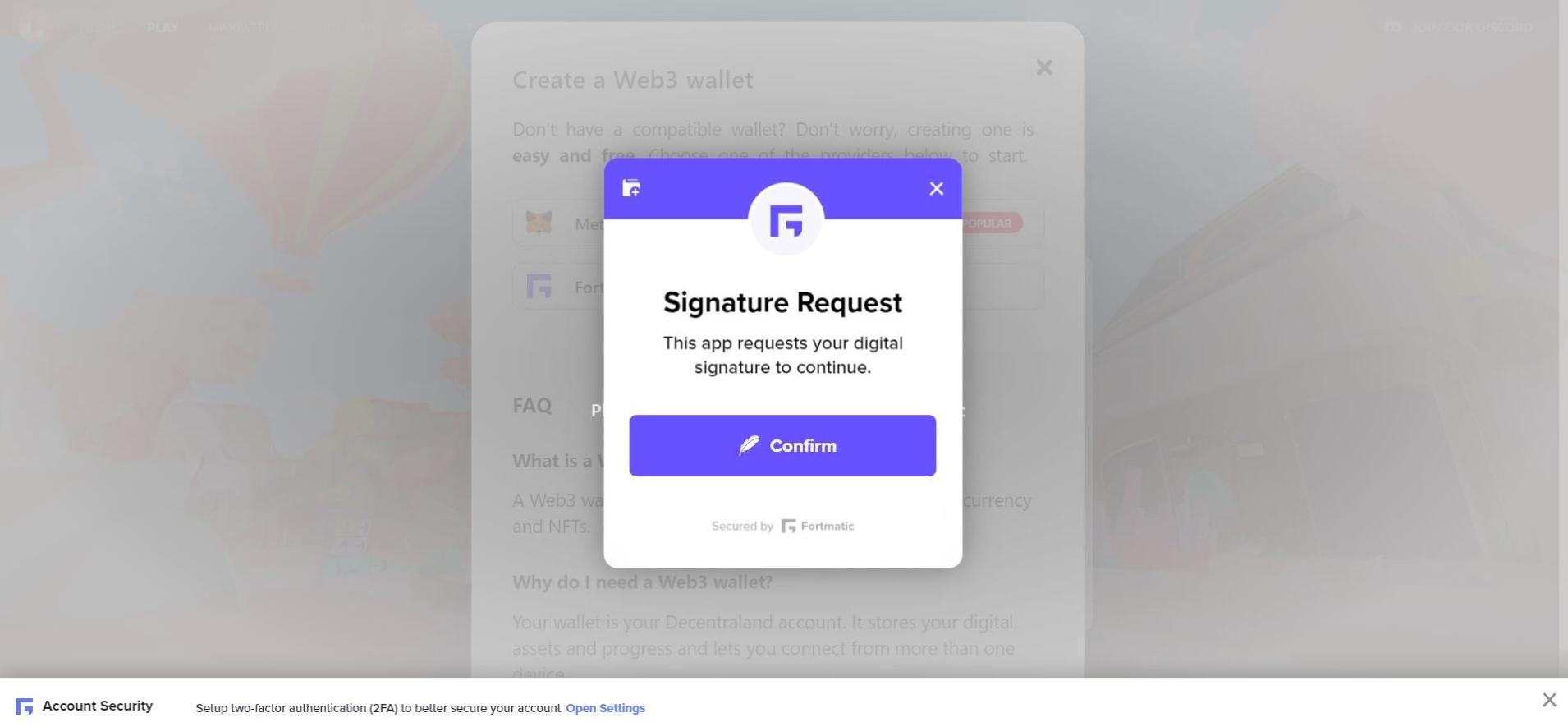
7. Account created successfully
You have now successfully created an account in Decentraland via the Fortmatic Wallet.
To get started with Decentraland, click on “Confirm” under “Signature Request”.
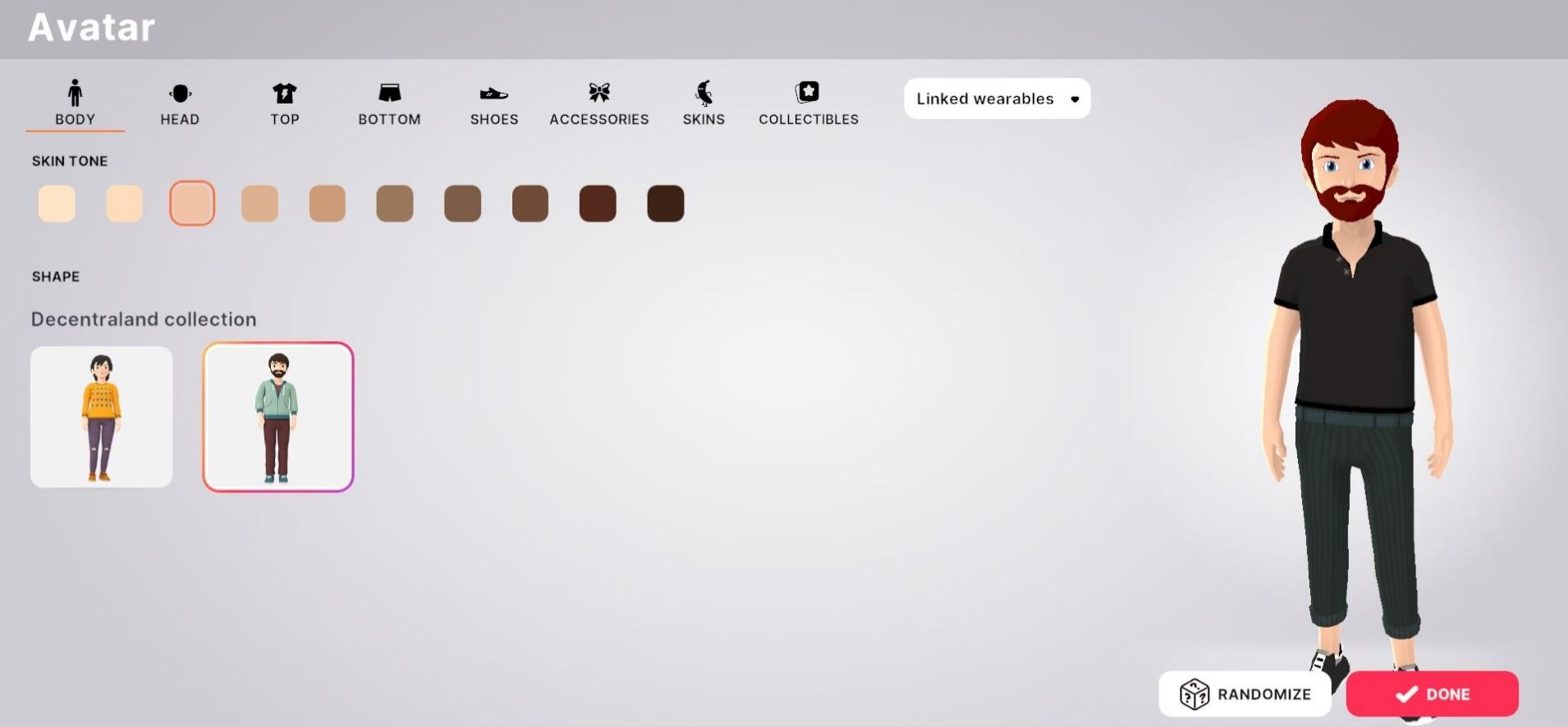
8. Create an avatar
Now you can create your custom avatar. If you want, you can click through the individual setting options or be surprised by “Randomize”.
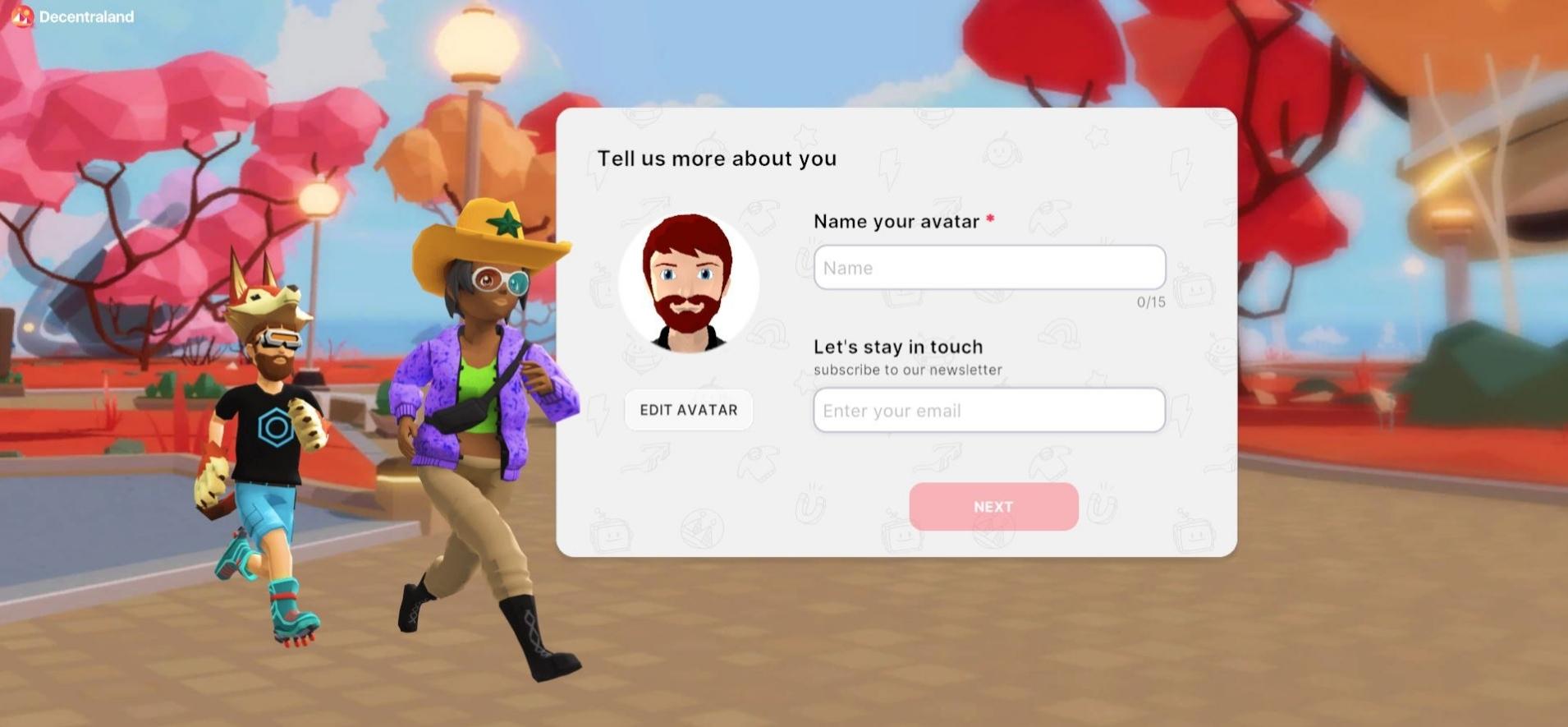
9. Choose your avatar name
Once you’re happy with your avatar, the next step is to choose a name for the avatar and then accept the privacy policy.
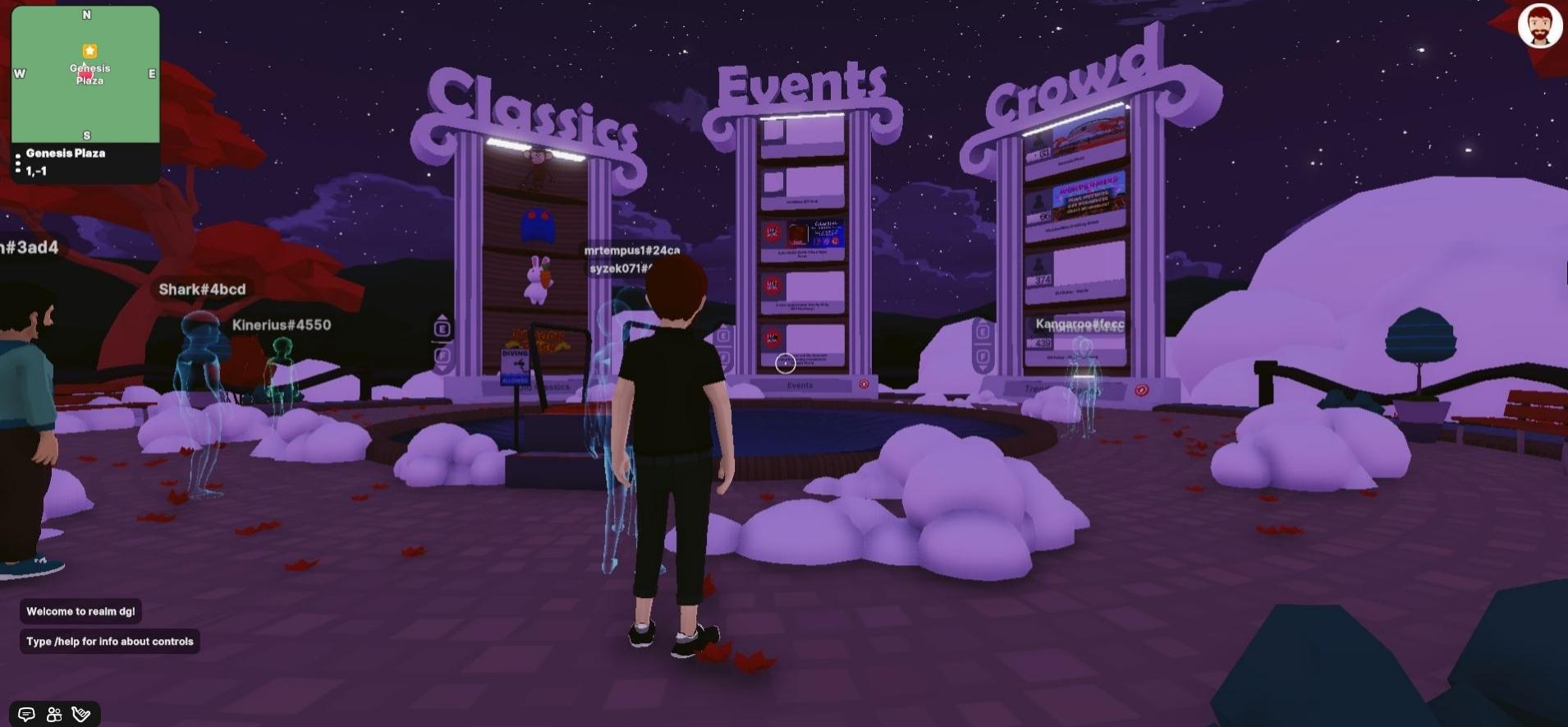
10. Now you’re ready to go!
We have already arrived in Decentraland and can discover and experience this digital world without any worries!
Decentraland Facts 2026
| Status 2026 | Technically active; usage has declined significantly |
| Wallet required | Yes — a Web3 wallet (e.g. MetaMask) is required for a full account |
| Guest access | Available — play without a wallet, but with limited features |
| Website | play.decentraland.org |