
Updated: 2026
Second Life
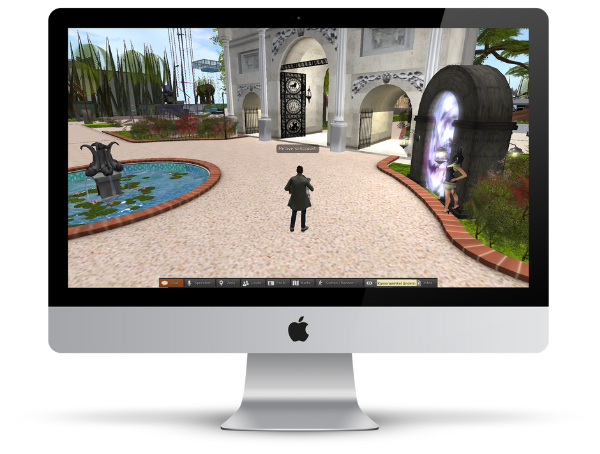
Second Life (SL for short) focuses on social interaction between users. But trading with objects is also possible in SL.
You can find out how to create a Second Life account on this page.
How to create your Second Life account
User, Avatar, Program
1. Create an account
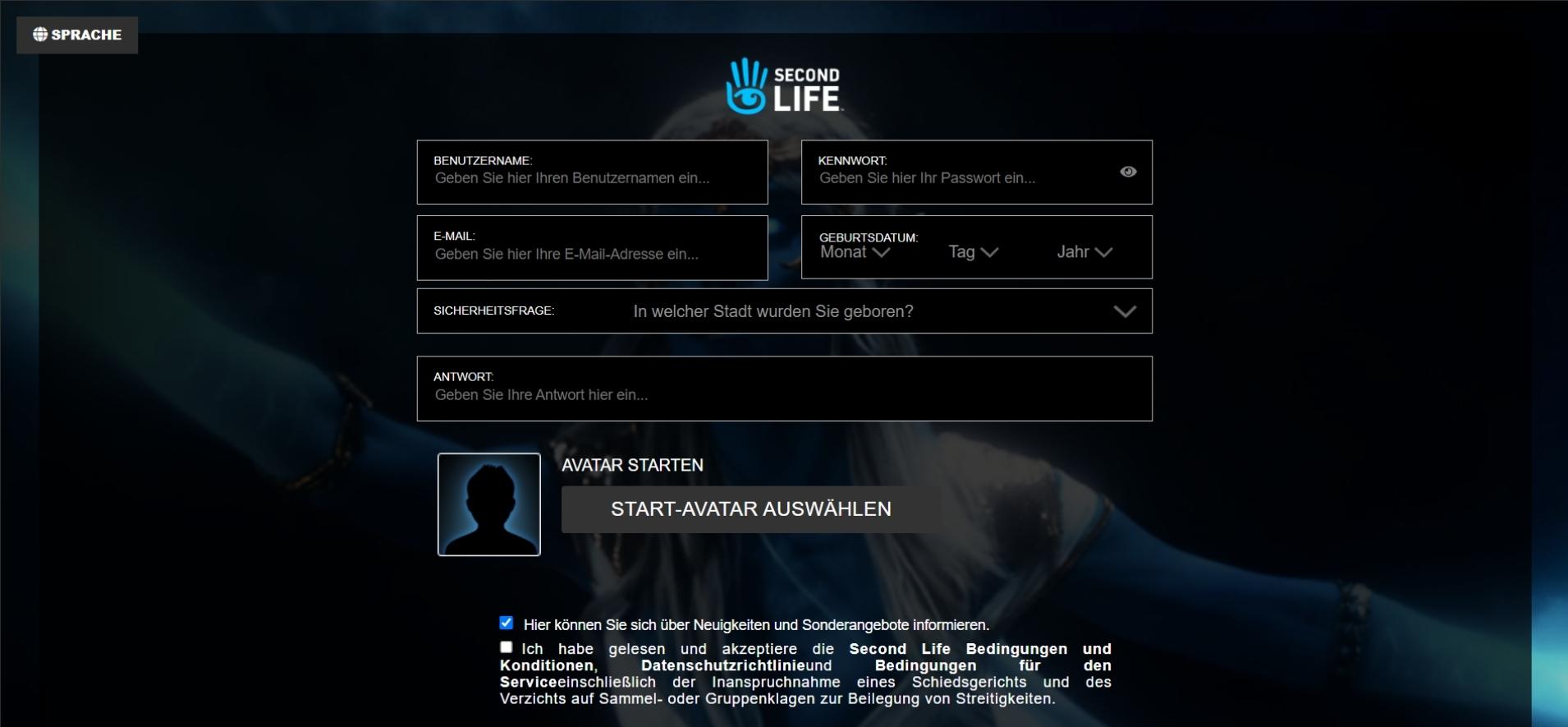
To create your Second Life account, open the following link:
https://join.secondlife.com/?lang=de
To create your account, you will need to provide a username, password, email address, birthday, and a security question with an answer.

2. Choose your start avatar
Now you can choose between a fairly large selection of starting avatars.
You can customize your avatar even further after creating your account.
3. Choose a membership plan
You will now be asked which membership plan you prefer. You can choose between a free plan, a premium plan and a premium plus plan.
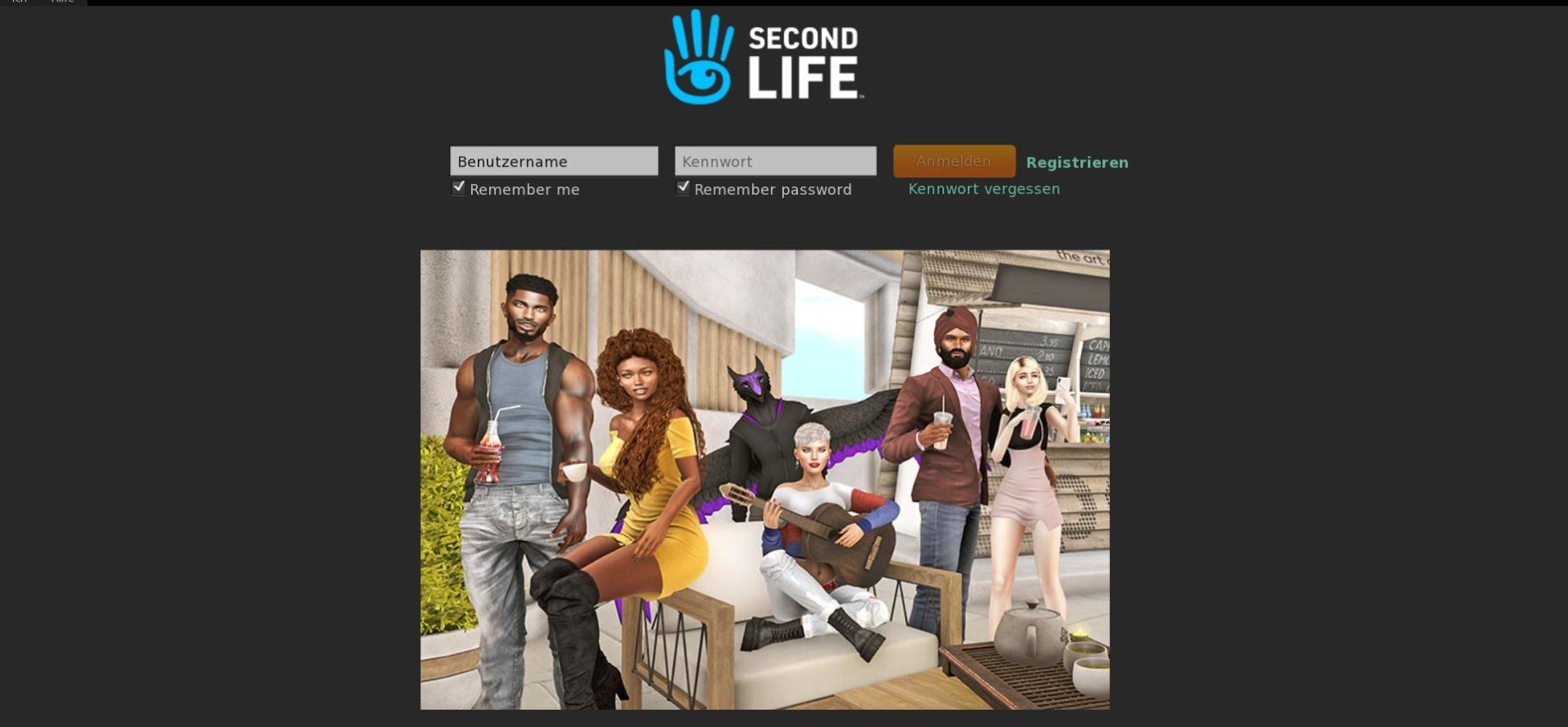
In order to enter the metaverse world, you need to download and install Second Life.
Second Life at a Glance
| Status 2026 | Active and stable |
| Access | Client application or browser |
| Crypto / Wallet required | No |
| Community | Established, long-standing user base |
| Membership | Free plan, premium plan, and premium plus plan available |