
Updated: 2026
Voxels
Voxels — or formerly Cryptovoxels — is a digital world in which you can discover and create worlds. Find out how to create a Voxels account on this page.
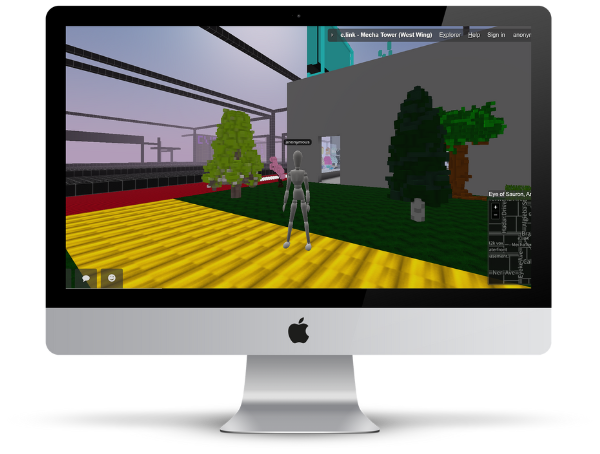
How to create a Voxels account
1. Create an account
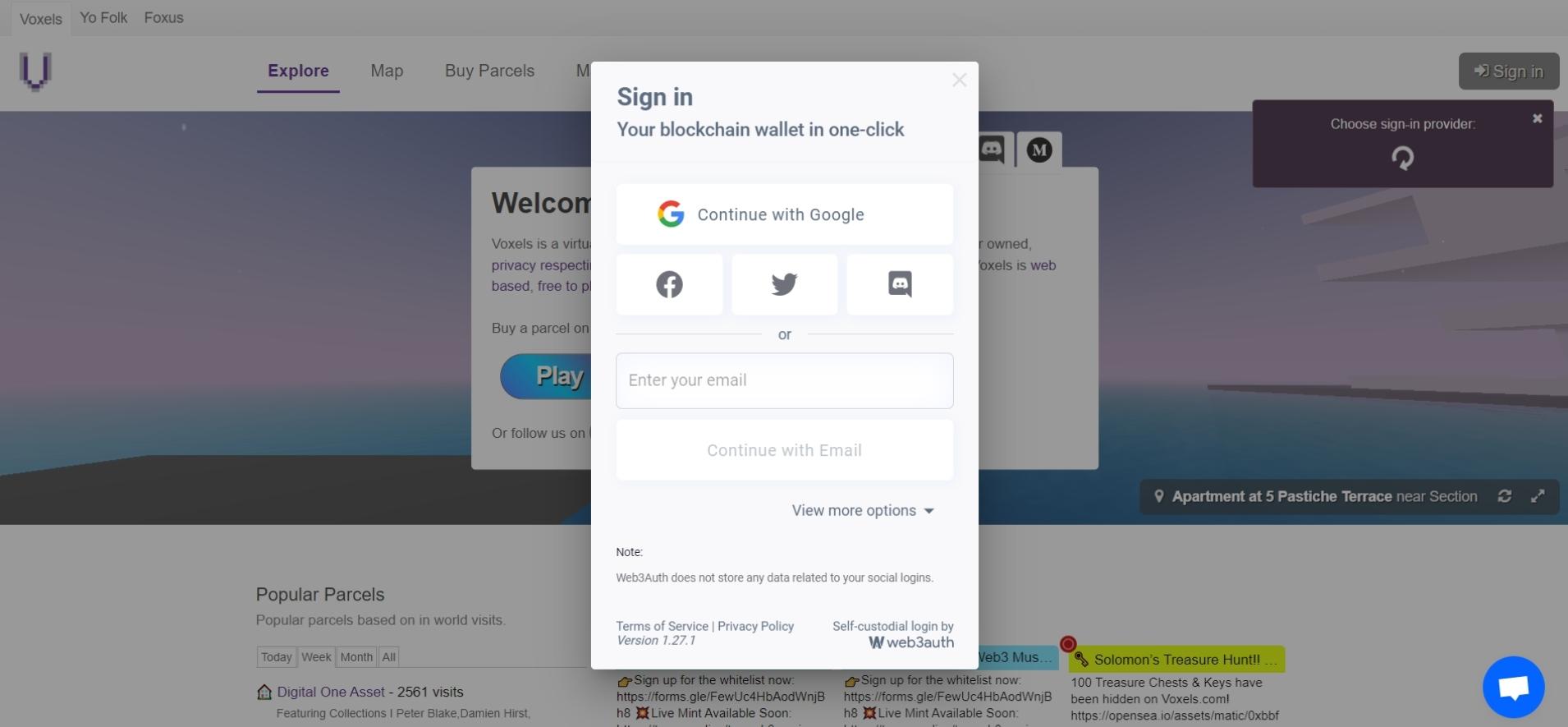
Open https://www.voxels.com/ and click on “Sign in” in the upper right corner so that you can create your personal Voxels account.
You will be suggested to create an account via MetaMask, WalletConnect or Coinbase. If you do not have any of these wallets, you can also register via “More Options” using a Google, Facebook, or Twitter account. Alternatively, you can simply proceed using your email address.
2. Verify email
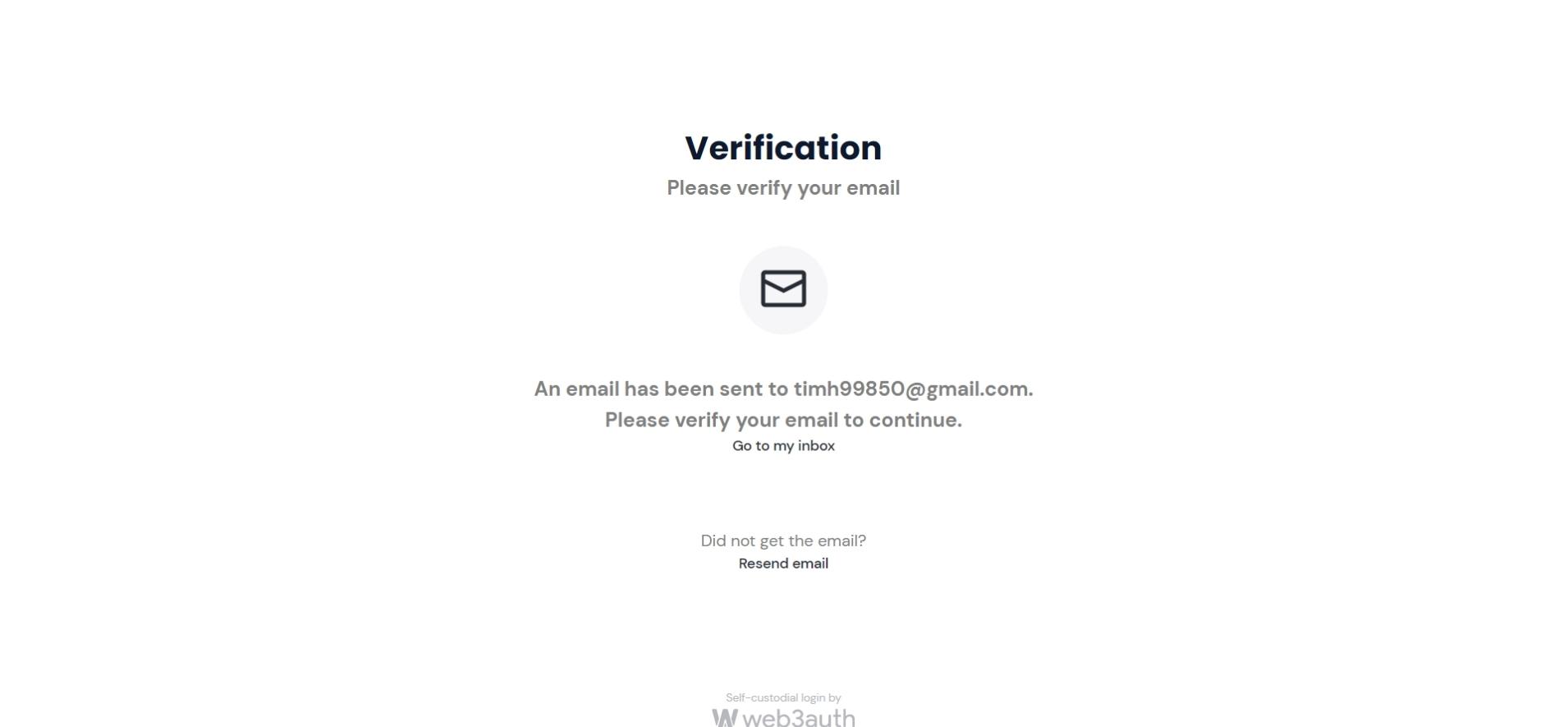
When registering via your email address, a verification email will be sent to you. Click “Confirm my email” in the email to continue.
3. Accept data protection
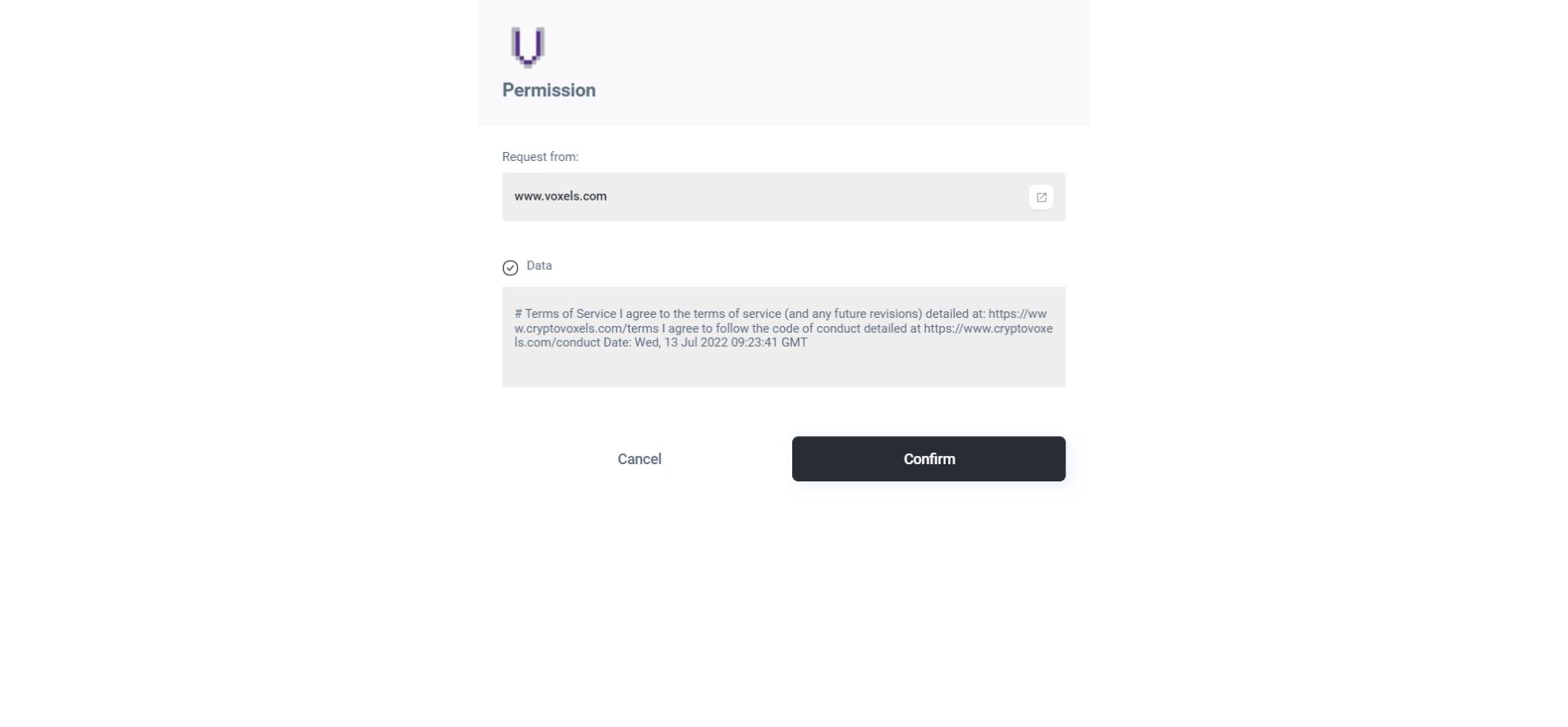
After your email address has been successfully verified, you still need to confirm Voxels’ privacy policy. You have already created your Voxels account.
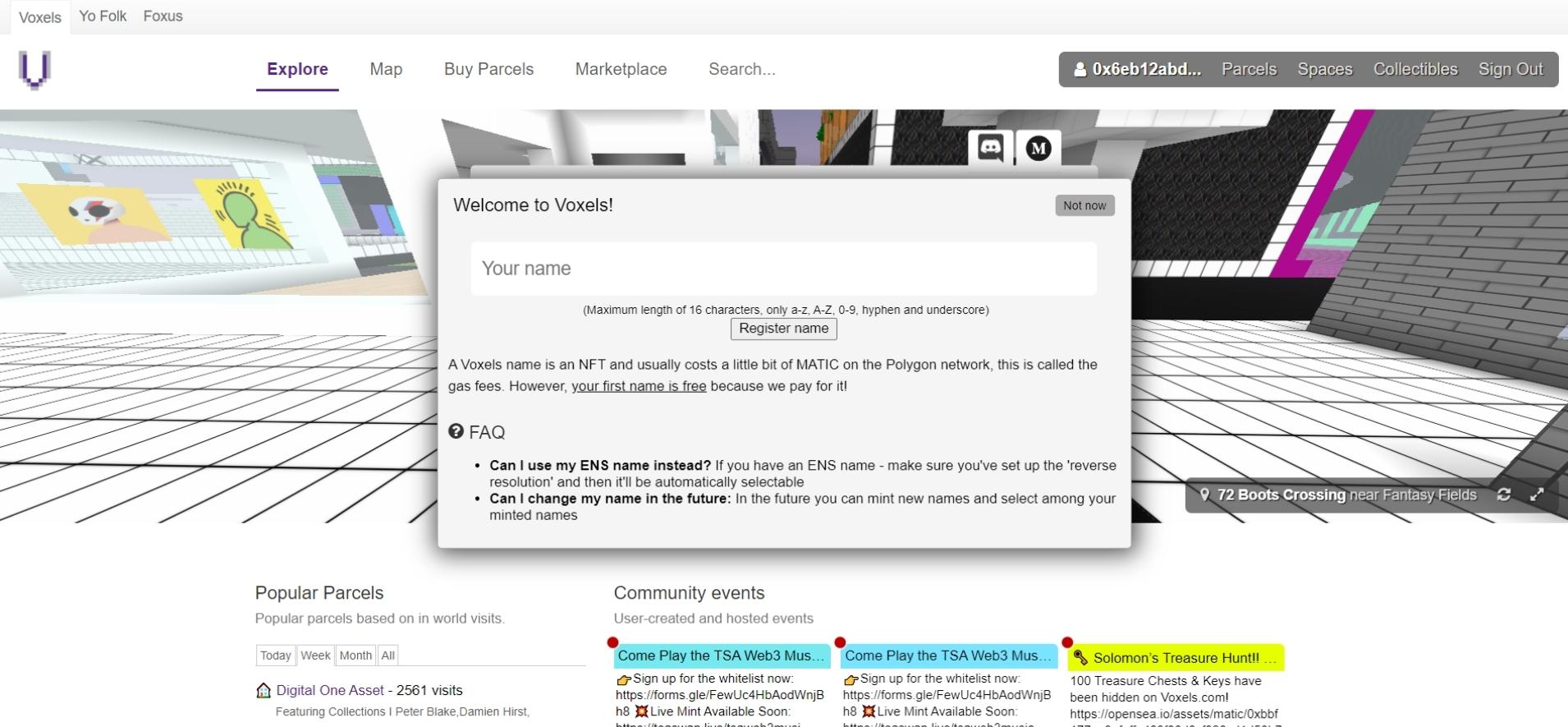
4. Choose a Voxels username
Now you will be asked for a username for your account. This may consist of a maximum of 16 characters and may only contain the letters A-Z and the numbers 0-9.
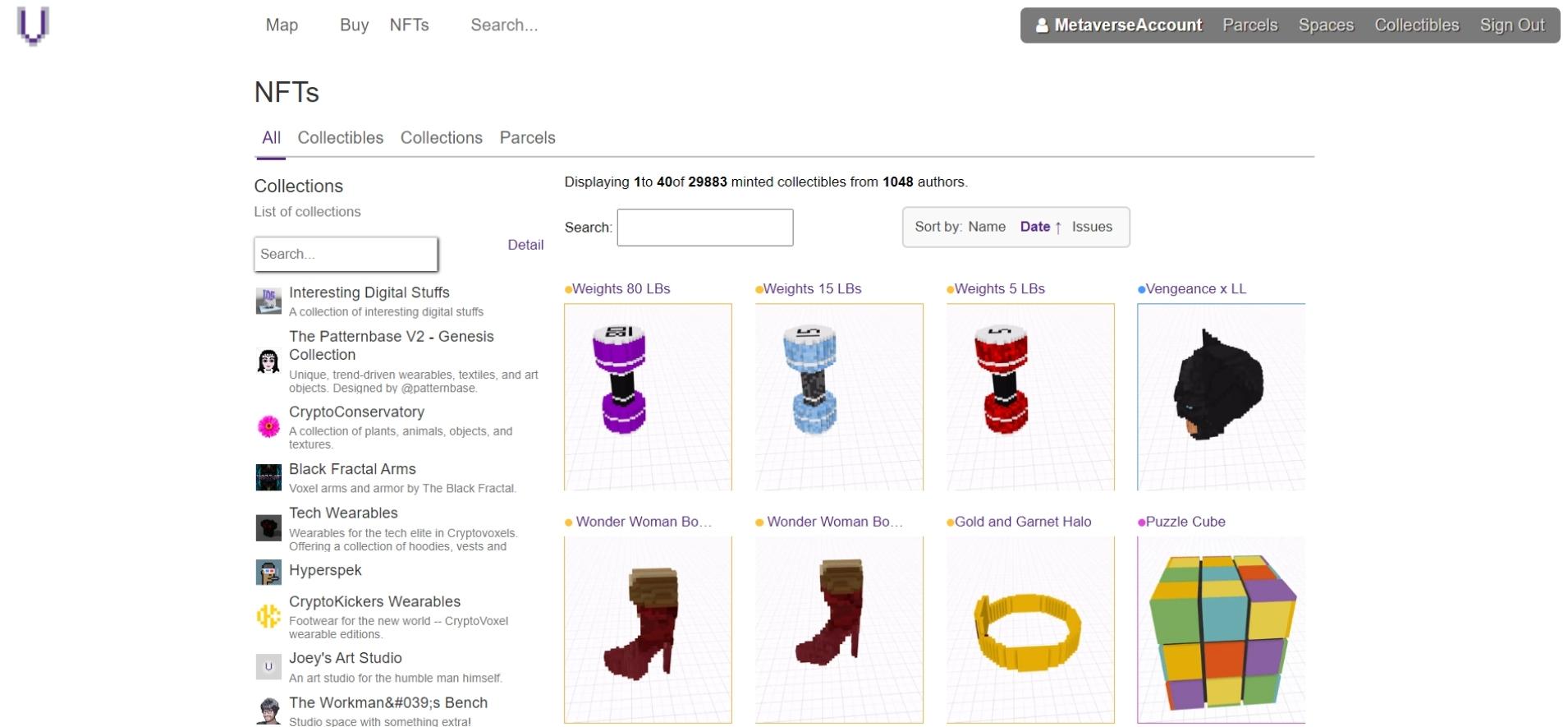
5. Create an avatar
After creating your Voxels account, you start with a “white avatar”. If you want to design your avatar yourself, open the item “Edit Costume” via your profile. In Voxels, avatars can only be customised via NFTs or wearables. These NFTs can be purchased via the “NFT” menu item.
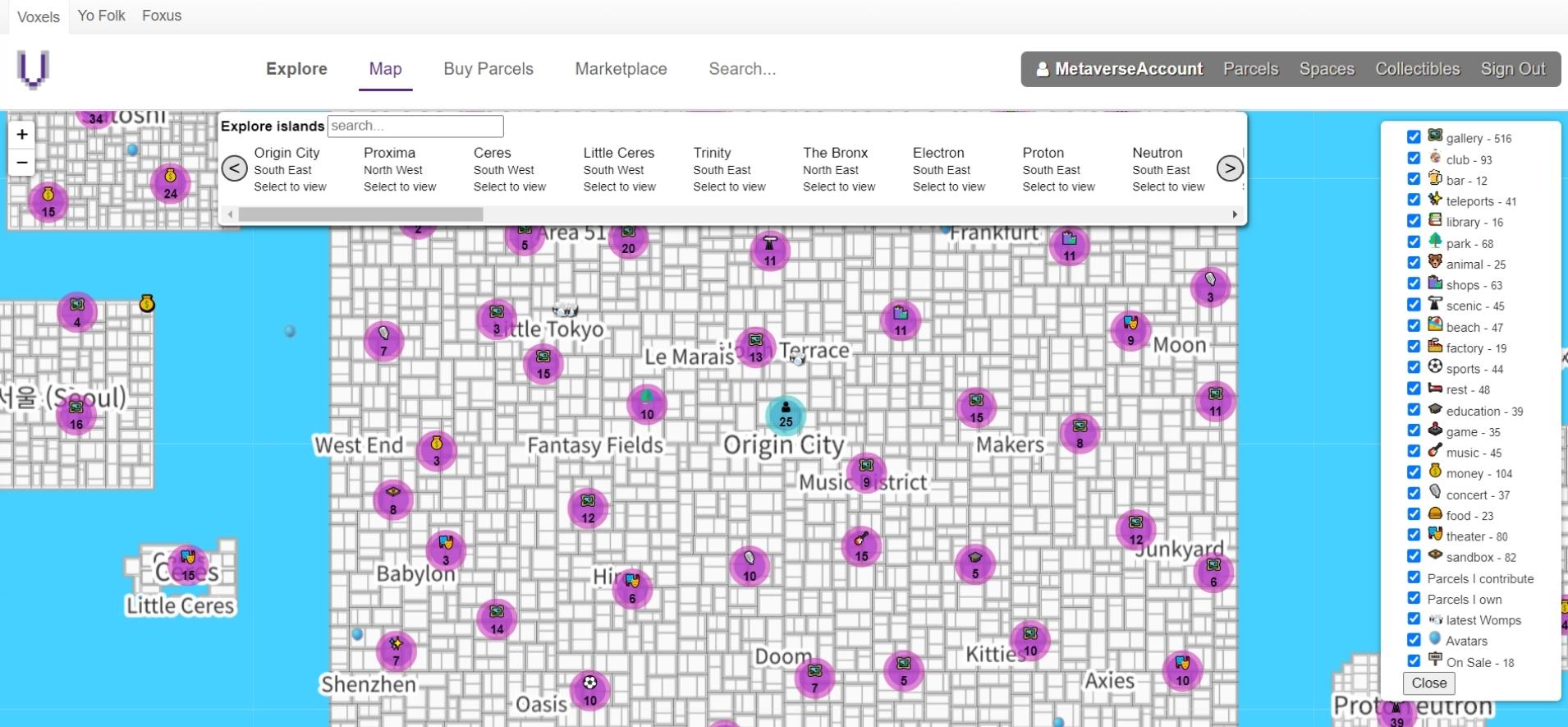
6. Discover Voxels
You can use the map https://www.voxels.com/map to discover the digital world of Voxels. In the right menu bar you can filter whether you want to see theatres, shops or bars, for example.
Voxels at a Glance
| Status 2026 | Active; runs in the browser |
| Formerly known as | Cryptovoxels |
| Blockchain | Ethereum / Polygon |
| Wallet required | Optional — also sign in via email, Google, Facebook, or Twitter |
| Access | voxels.com (browser) |